
'Gradient-on-stroke' lines in Illustrator do not copy correctly
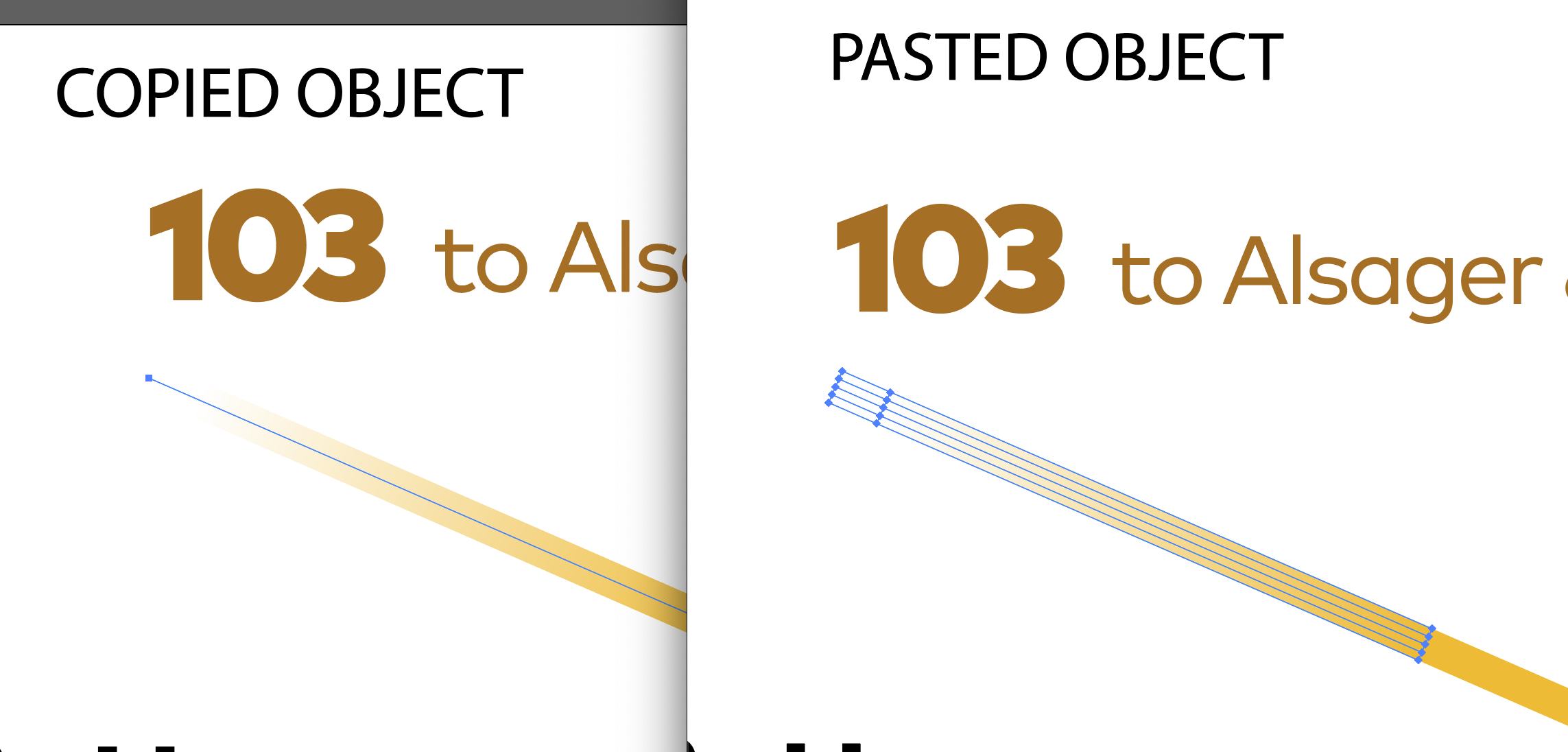
When using Paste, if I copy a 'stroke' in Adobe Illustrator, the pasted object is no longer a stroke, instead it 'outlined' into a shape. This does not happen when Paste is paused. We use gradients on strokes a lot and they need to stay strokes for editability. Paste currently destroys this characteristic so I can't really use it day to day in my work. Can this be resolved so that we can use Paste in a graphic design environment? Thanks, Darran.
Comments
No comments yet.