
Export clips to text files
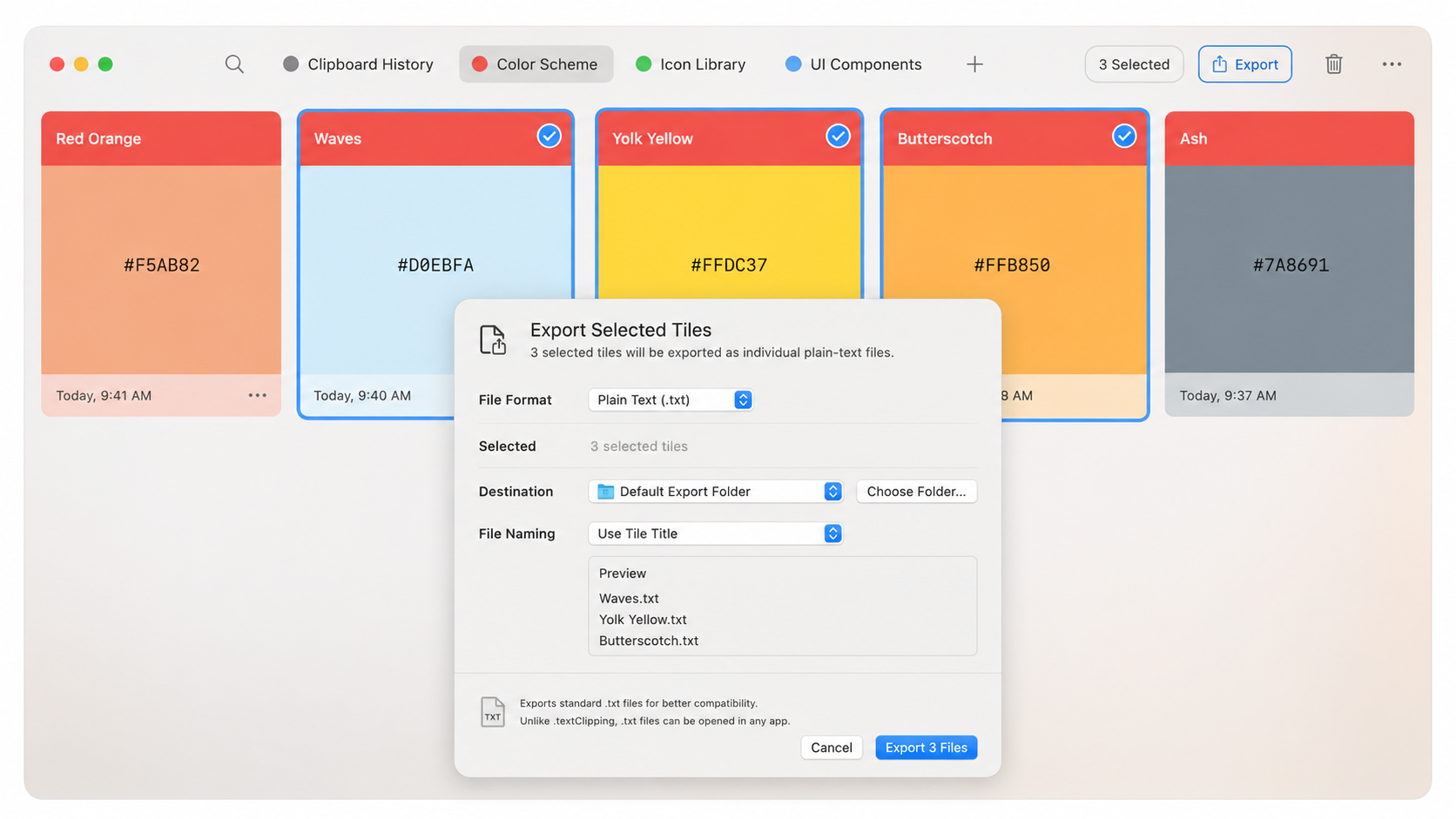
Please add a way to bulk-export selected tiles as individual `.txt` files. I often need to export multiple clippings for use with AI tools, but the current workflow requires copying each clipping into a separate file manually, which is very time-consuming. Paste already supports a partial version of this: dragging a single tile into Finder creates a `.textClipping` file. However, this only works with one tile at a time, and many applications do not support `.textClipping`, so the files must also be renamed or converted to `.txt`. There should be a clean way to simply export the clips to text files. Here is a quick UI illustration.
Comments
No comments yet.