Paste on iPhone Duo: your clipboard, side by side
Copying and pasting on a phone has always meant leaving the app you're in. You copy a link in Safari, switch to Messages, paste it, switch back for the next thing, and the app you were actually working in keeps dropping out of view. On iPad, Paste solved this a while ago: put it next to the app you're working in and the switching stops.
iPhone Duo brings that second screen to the phone. Unfold it, and the inner display has room for two apps at once. Paste is optimized for iPhone Duo from day one, so your clipboard can finally sit next to your work instead of behind it.
Everything you copied, one drag away
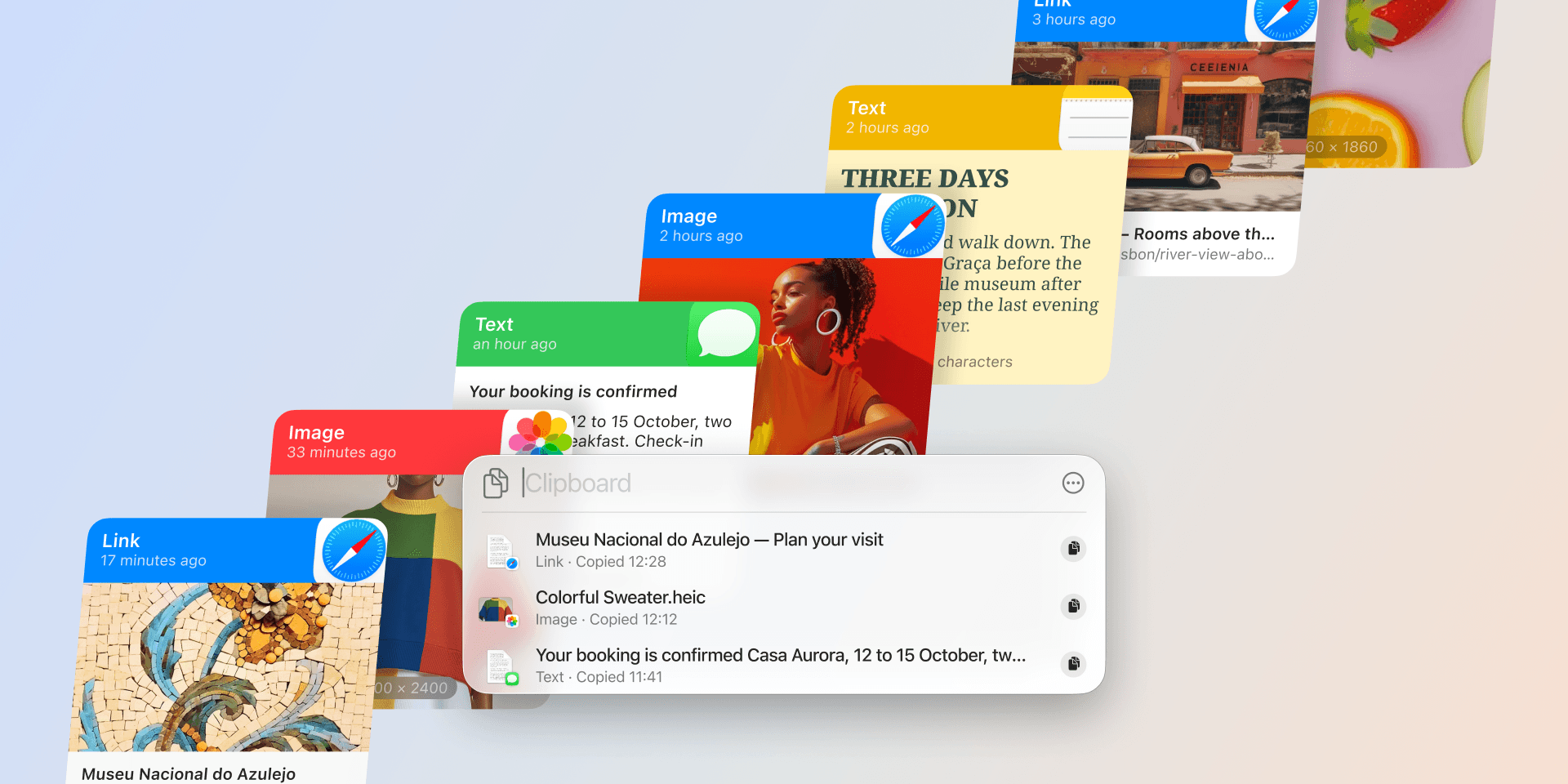
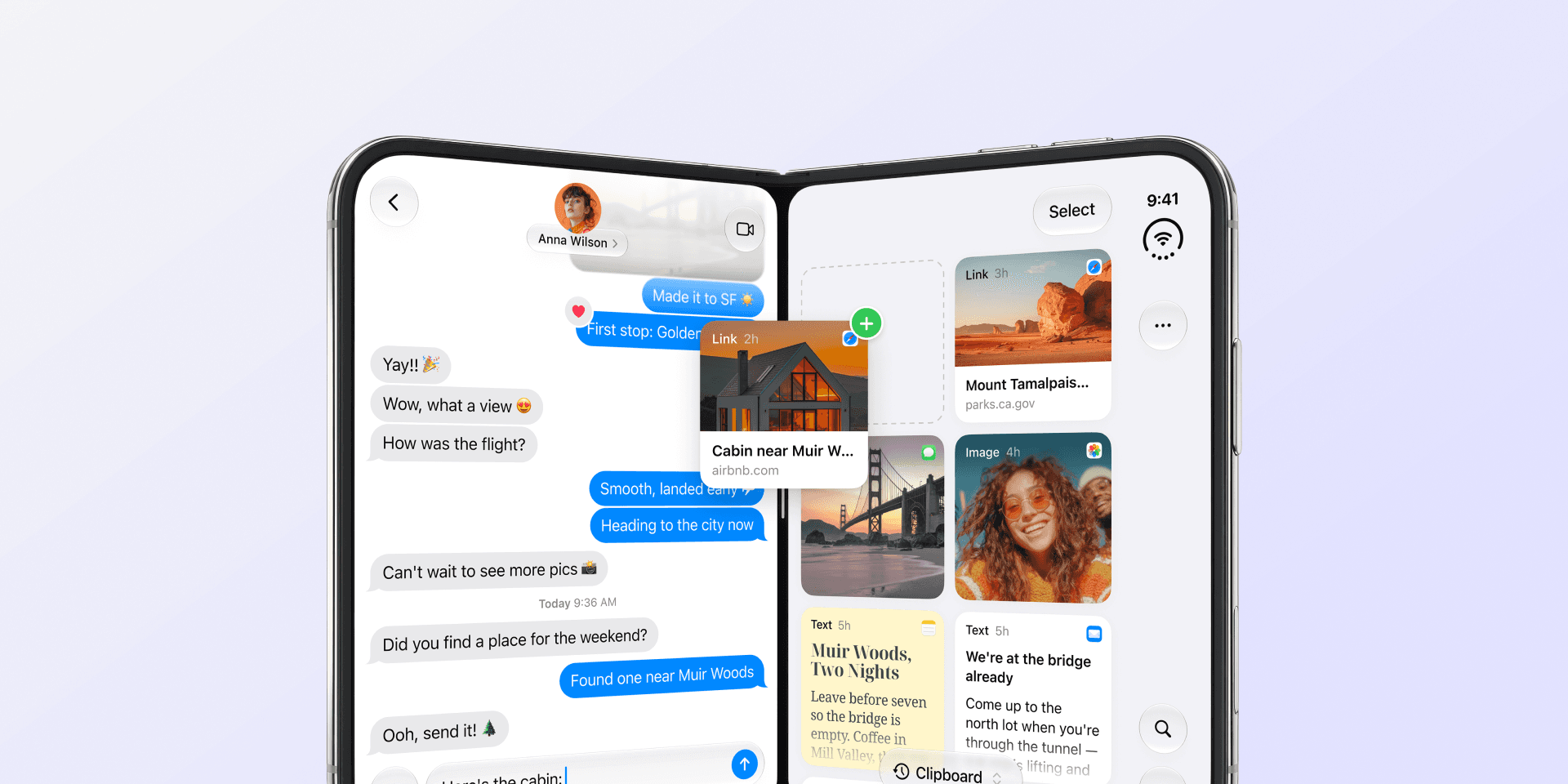
Open Paste beside any app on the inner display. Everything you've copied on your Mac, iPhone, and iPad is there, in sync and searchable. Find the item you need and drag it straight into the app next to it. Paste stays open, so the next link, the next snippet, the next image is right there.
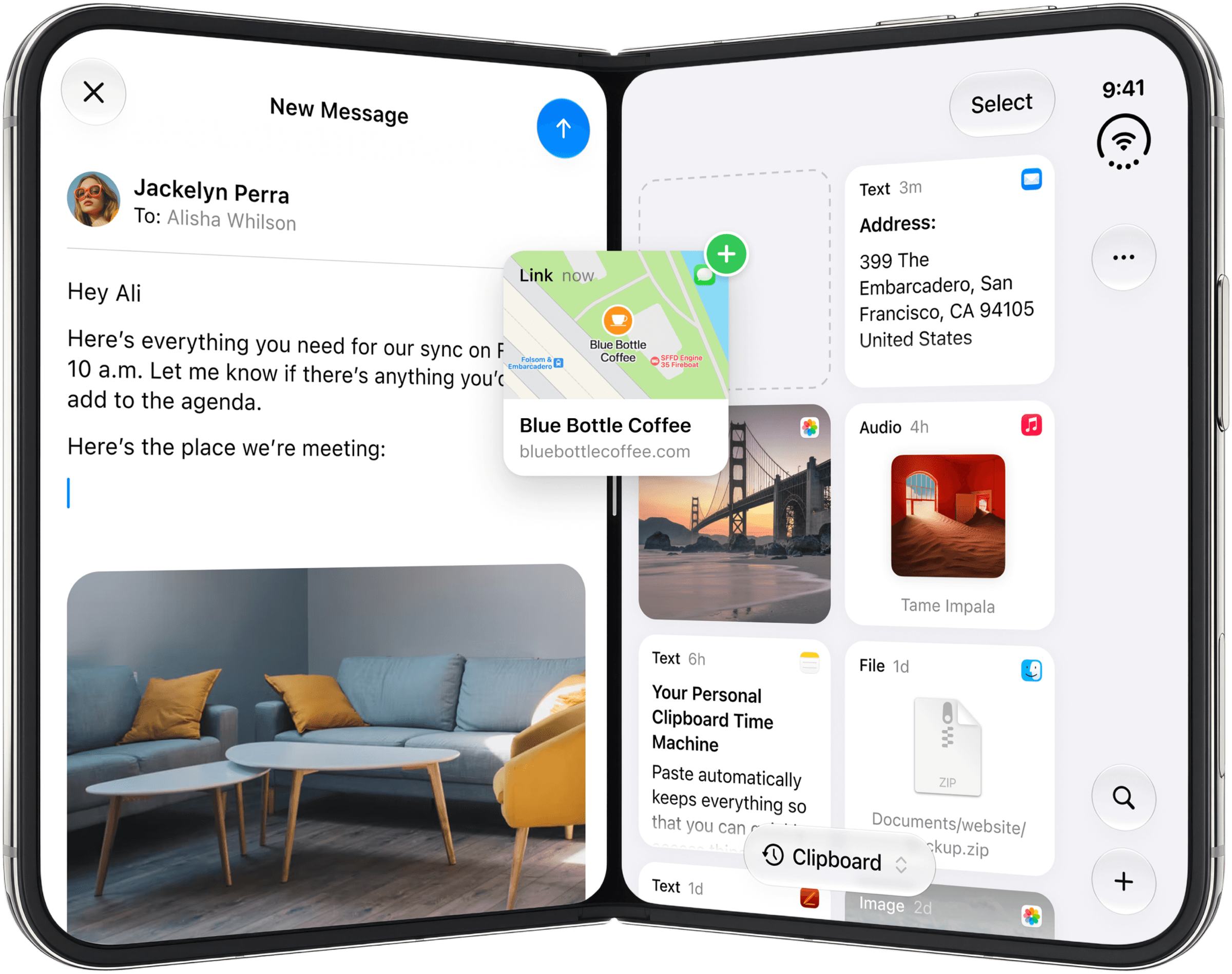
Paste adapts to the folding screen on its own. Unfolded, the toolbars spread out the way they do on iPad. Closed, Paste works like it does on any iPhone, and Paste Keyboard sizes itself to the display you're on.
Where the second screen earns its place
The quickest way to understand iPhone Duo is to notice what you stop doing. You stop flipping between apps to carry one thing across. Your clipboard is open on one side, your work on the other, and the hinge is where things get handed over.
Most of the time that shows up in small moments. You're writing in Notes and the quote you need was copied from Safari twenty minutes ago. It's sitting in Paste on the other half of the screen, so it goes into the draft without the draft ever closing. Later, a page of documentation is open on one side and the commands you copied on the Mac that morning are already on the other, ready to be dropped into the terminal. The thing you were reading never moves.
The same screen works just as well away from the desk. Before a meeting, the screenshots and links you gathered on the Mac are waiting in a pinboard on the phone, and once the conversation starts they go straight into the meeting notes or the team chat. And on a Saturday it's the cabin link you found in Safari, dragged into the family chat, with the photos from the last trip right behind it. Different days, same move: find it in Paste, drop it where it belongs.
However you use it, iPhone Duo gives Paste the room it has always had on iPad: your clipboard within reach, on the same screen as your work.
Ready to try it yourself? Download the latest version of Paste on the App Store.