How to see clipboard history on a Mac
On a Mac running macOS 26 Tahoe or later, your clipboard history is two keystrokes away: Command-Space, then Command-4. It asks your permission the first time, and it empties itself on a schedule you set, so what you find in it depends on when you said yes and how long you told it to hold on.
Below is how to open the list, what you can do in it, and why an older copy may be missing. If you need to go back further, or reach your copies on your iPhone and iPad, that is what Paste does.
Two keystrokes, inside Spotlight
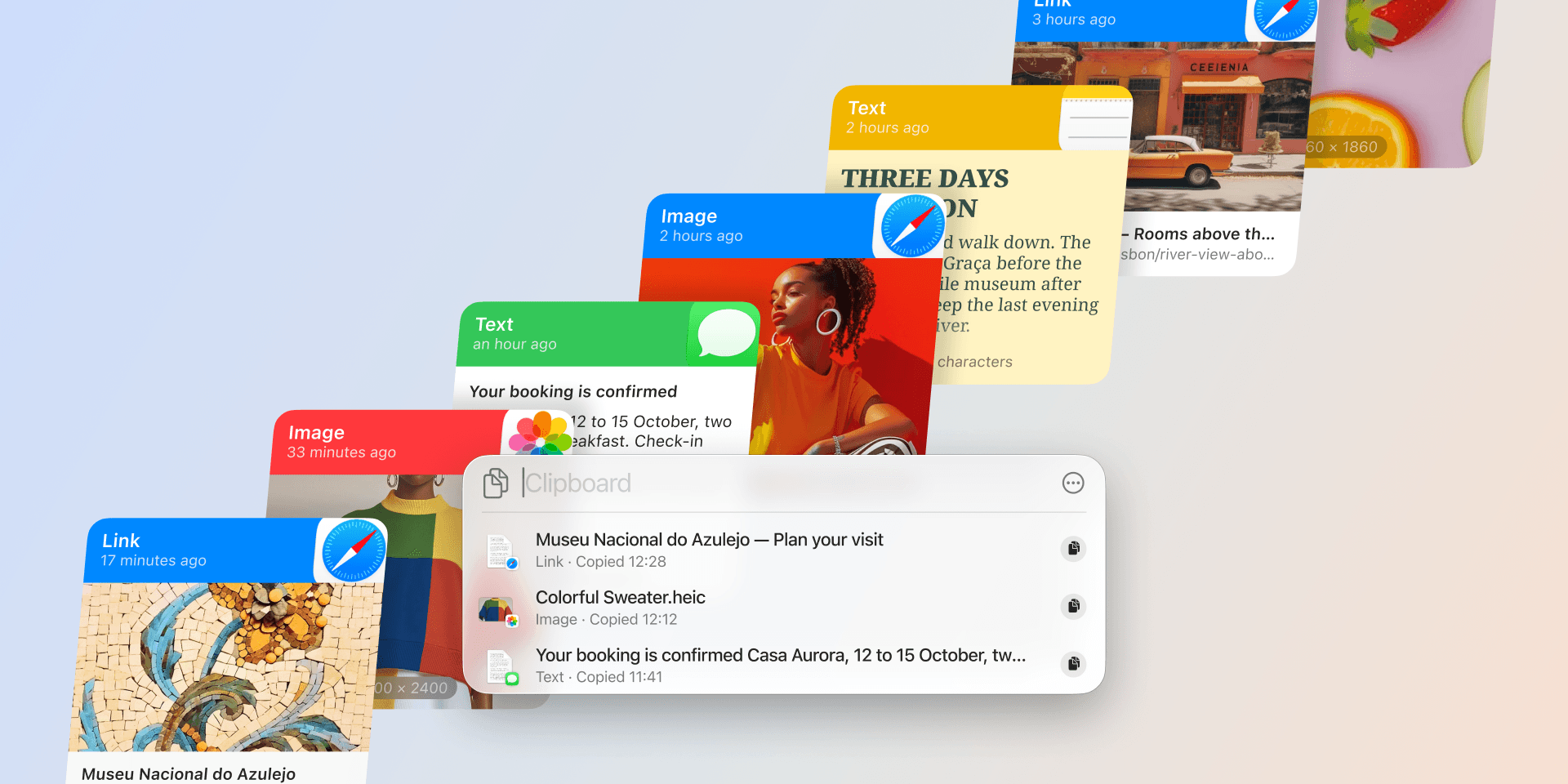
The history lives in Spotlight, the search panel that opens with Command-Space. Press Command-4 from there, or click the Clipboard button to the right of the search field, and the panel switches to your clipboard. The first time you open it, macOS asks for permission before it shows anything, alongside a note that sensitive information may appear on the clipboard. The button says Allow on macOS 27 Golden Gate and Enable on macOS 26 Tahoe.
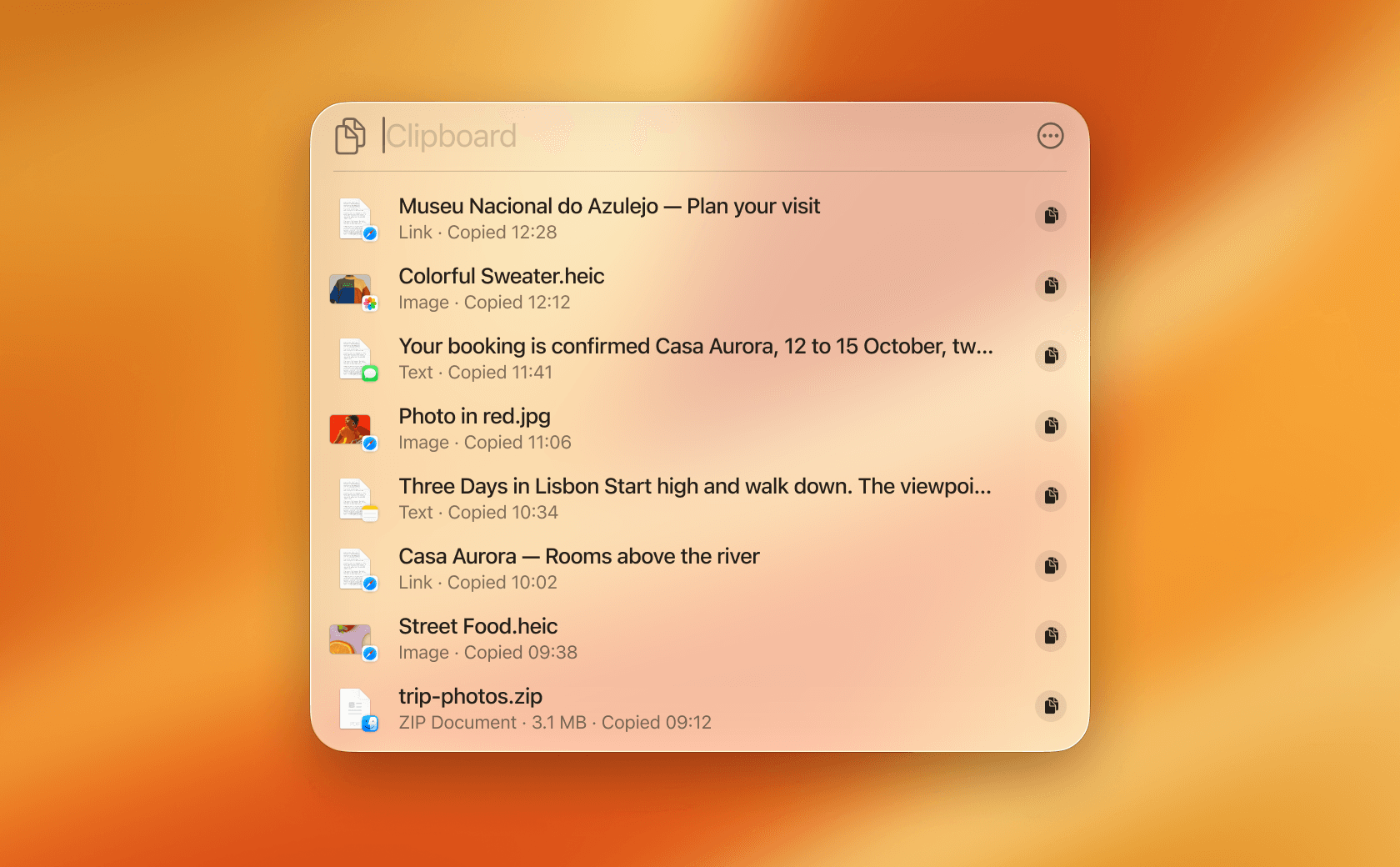
Typing filters the list, so you can pull up a code or an address without scrolling for it. To reuse an item, click the copy icon beside it, or select it and press Command-C, then paste it where you need it. The More button to the right of the search field holds Clear History, which empties the list in one step.
There is no single key combination that opens the clipboard directly, so the way in stays Command-Space followed by Command-4. The other clipboard keys macOS gives you, and the job each one is for, are in our guide to Mac clipboard shortcuts.
Why an older copy isn't in the list
Two things decide what you find there. The history starts recording the moment you give permission, so nothing you copied before that is in it. After that it clears on a schedule you choose in System Settings, under Spotlight, where macOS offers three windows: 30 minutes, 8 hours, or 7 days. Anything older than the window you pick is removed. Our guide to how far the Tahoe clipboard history goes compares it with Paste line by line.
The list also belongs to the Mac you copied on. Apple's Universal Clipboard hands your most recent copy to a nearby iPhone or iPad. It carries that one item, not a history, as we explain in copy and paste across your Apple devices. So the built-in list can't bring back the snippet you copied on your phone this morning, or on this Mac last month.
A history that outlasts the window
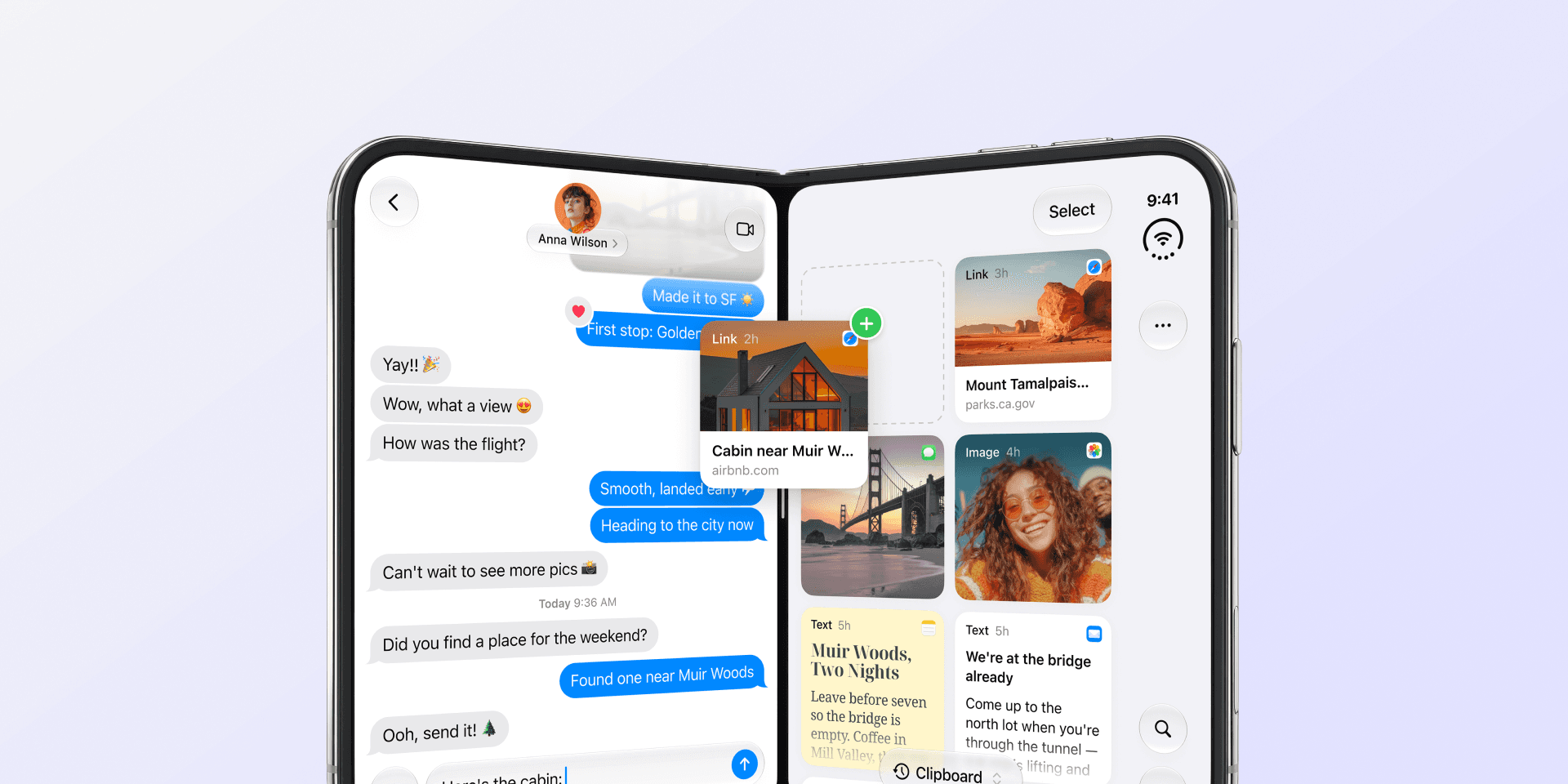
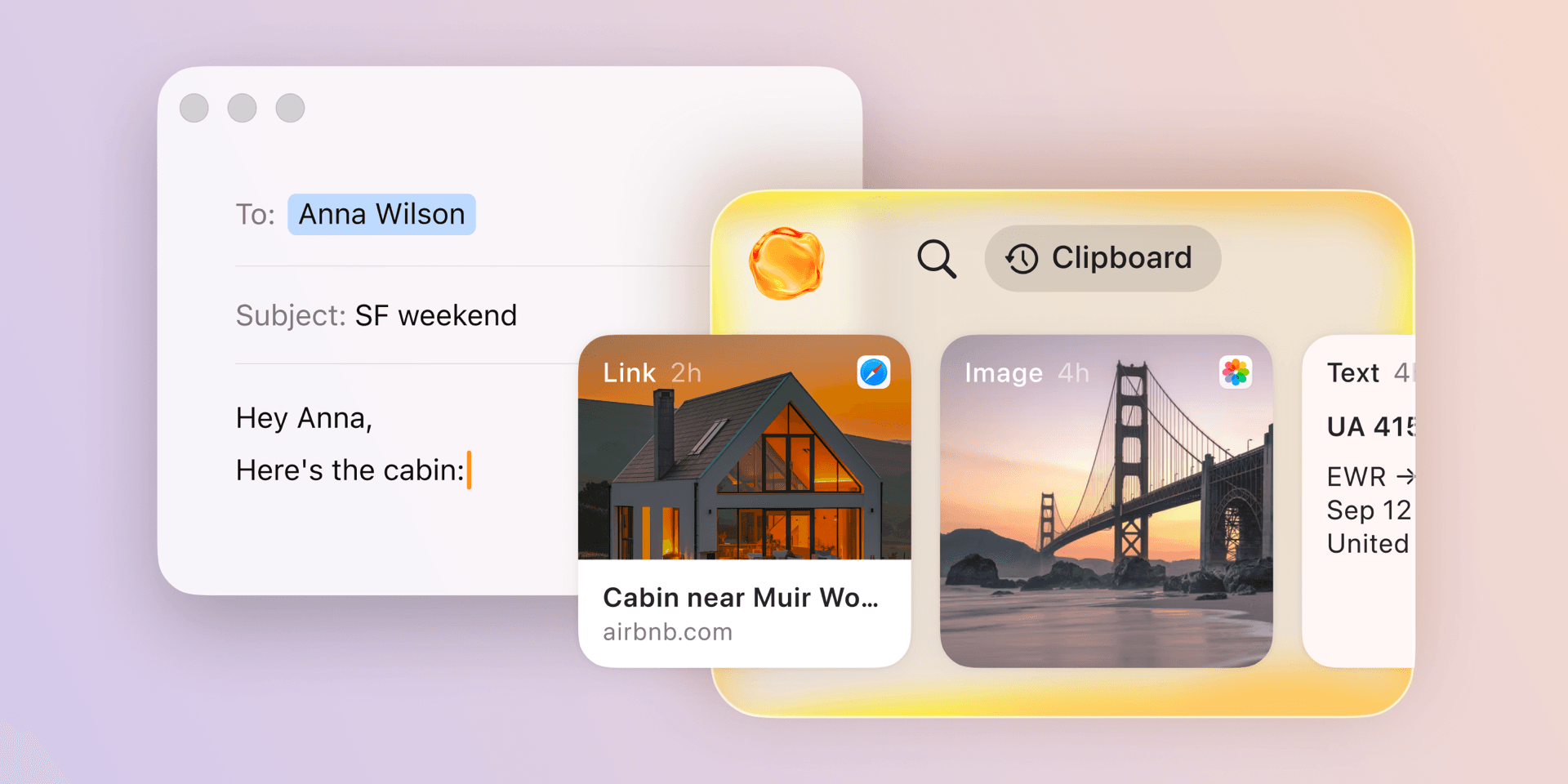
Paste holds your history for a length of time you set, and the choices run from a day to forever, with a month as the default. Press Shift-Command-V in any app and it opens as a timeline you can scroll and search. Search reads the text inside images too, so a screenshot of a receipt is findable by what it says.
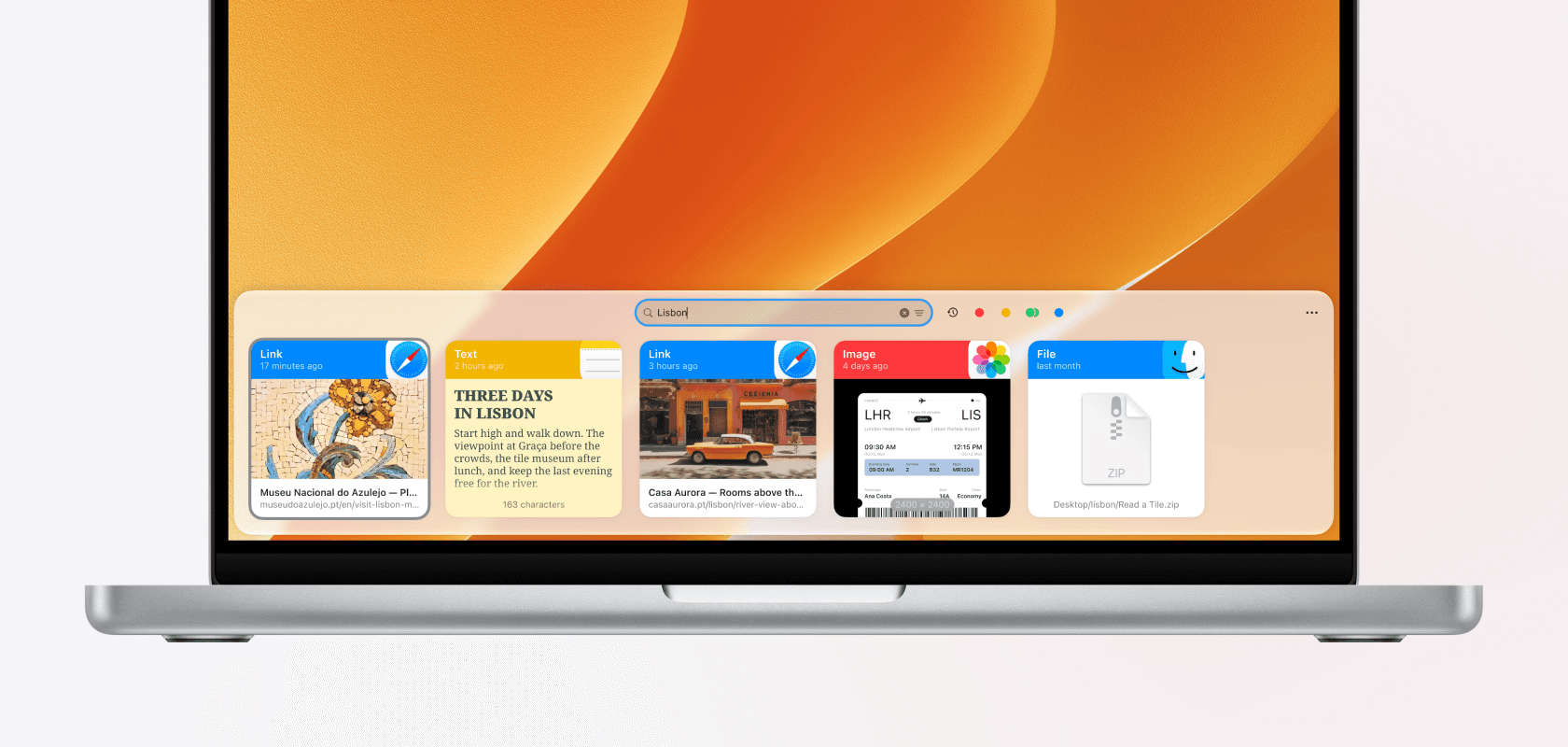
That history syncs across your Mac, iPhone, and iPad through your own private iCloud, so the link you copied on the laptop at lunch is on your phone in the afternoon. The things you paste every week, like signatures, addresses, and code snippets, sit in pinboards, which a retention window never reaches.
Across a day your clipboard also holds passwords, one-time codes, and private messages. Paste keeps your history on your device and in your private iCloud, never on our servers, ignores fields that password managers mark as secret, and lets you exclude any app you would rather it left alone. You can also pause Paste with Command-T while you work with something sensitive.
Try Paste free for a week on your Mac, iPhone, and iPad, and copy the way you normally do. A week is long enough to notice how often you reach back past the window Spotlight keeps.
Frequently asked questions
How do you open clipboard history on a Mac?
Press Command-Space for Spotlight, then Command-4, and give permission the first time you do it. On macOS 15 Sequoia and earlier there is nothing to open, because those Macs keep only your most recent copy.
Why is my Mac clipboard history empty?
Because it holds nothing from before you gave permission, and because it clears on the window set in System Settings under Spotlight. If the list has always been empty, check that the Mac is on macOS 26 Tahoe or later.
How do you clear clipboard history on a Mac?
Open the clipboard panel in Spotlight, click the More button to the right of the search field, and choose Clear History.
Can you get your Mac clipboard history on your iPhone?
Not from the built-in one, which stays on the Mac you copied on. Universal Clipboard passes your most recent copy between devices, and Paste syncs the whole history across your Mac, iPhone, and iPad.