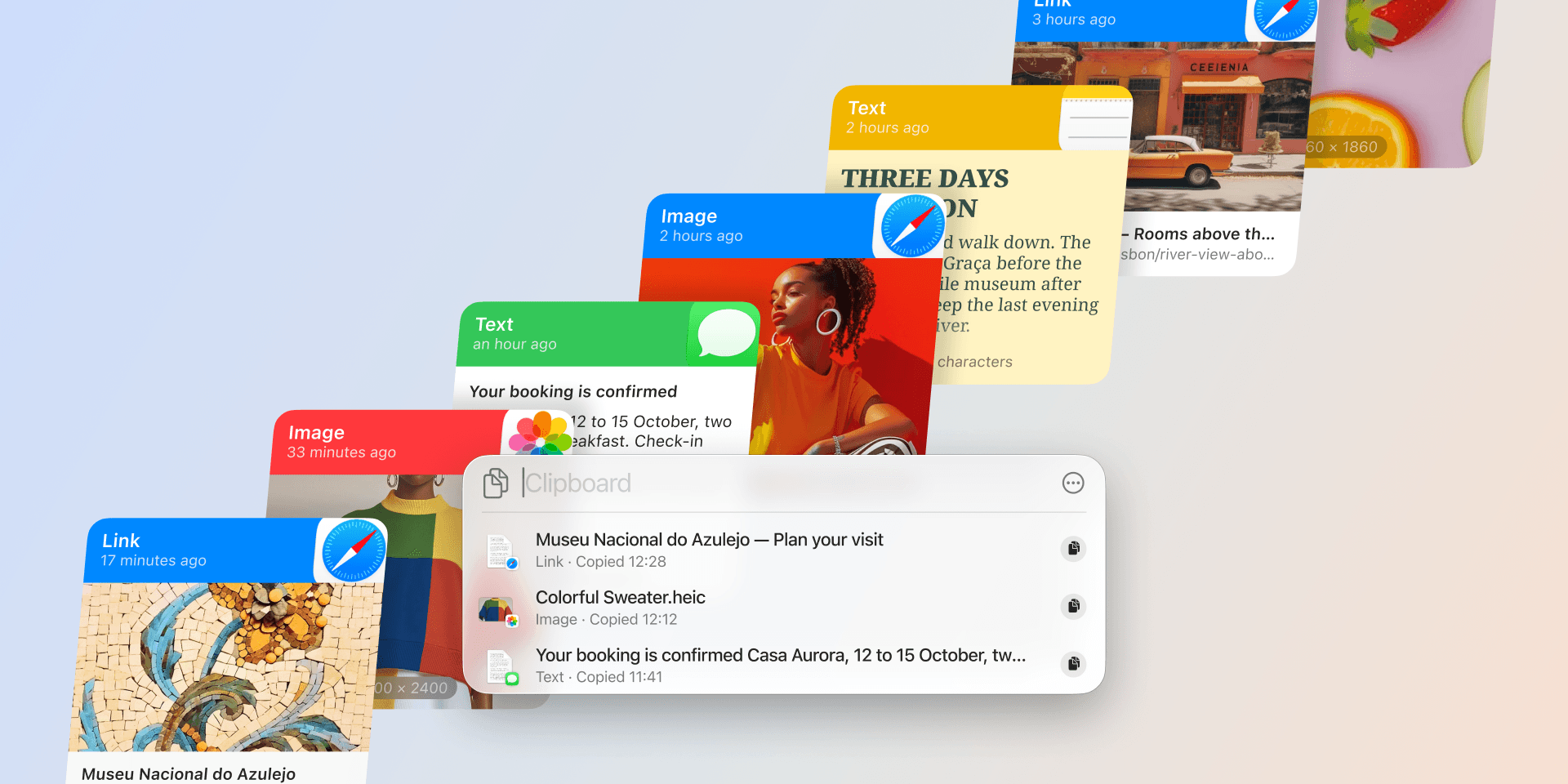
Intelligent Clipboard: one step ahead of you
Everything you copy has a moment when it is needed again. The link goes into a message, the address into a booking form, the snippet into a file. Paste has always kept those items safe; finding the right one at the right moment was still your job.
With Intelligent Clipboard, Paste takes the first step for you. It can suggest which of your copied items you'll most likely need, right as the moment comes.
Suggestions that keep up with you
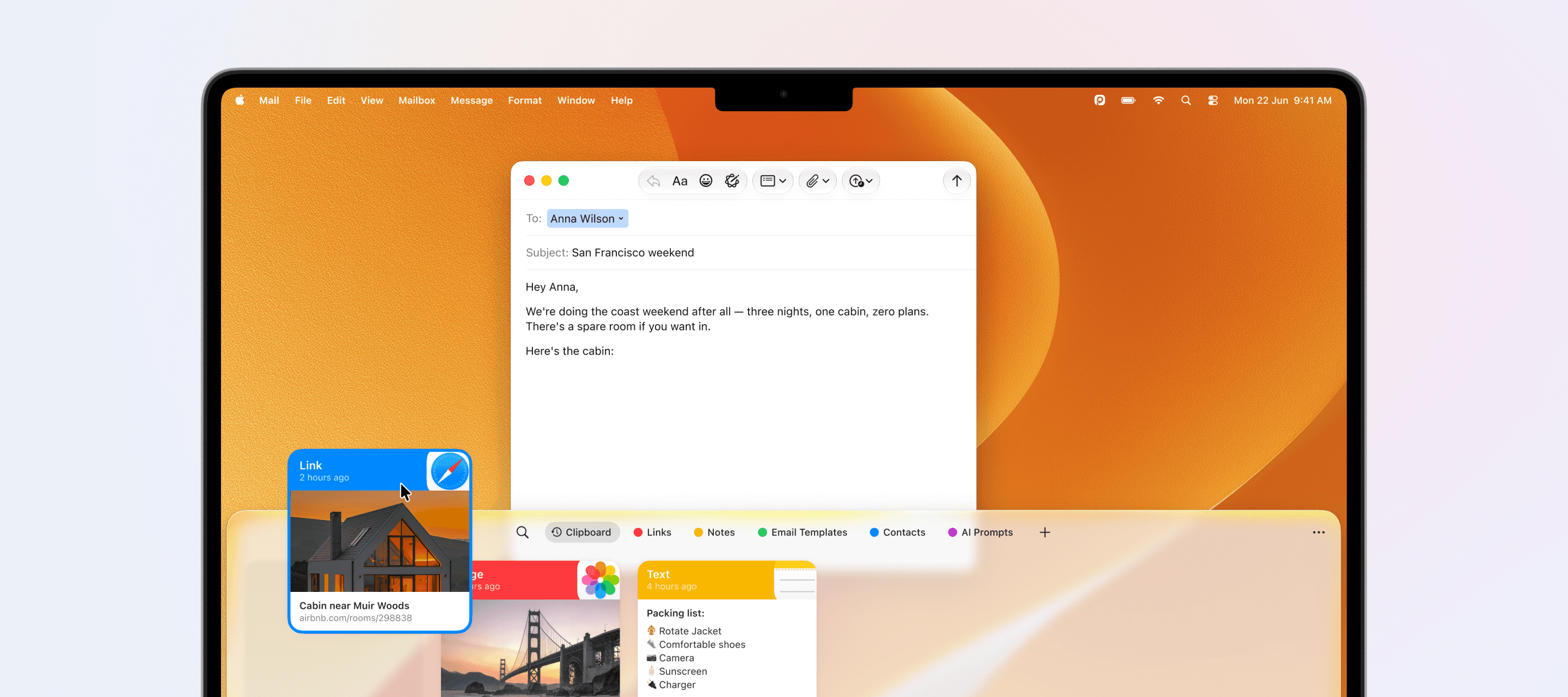
Open Paste, and your clipboard history is there as always. When you want a hint, switch to Suggestions, and a short row of suggestions appears, with Paste's best guess in front. The picks come from your own history, matched to what you are working on at that moment. Writing an email about a trip, the cabin link you saved this morning comes forward. Come back later for the flight details, and the picks refresh to where you are now.
Your history stays untouched through all of it. Suggestions are simply another way of looking at what you already have.
Powered by Apple Intelligence
The thinking behind the picks happens entirely on your Mac. Paste weighs the candidates and picks the suggestions itself, powered by Apple Intelligence, so they feel considered rather than mechanical. Intelligent Clipboard is available on macOS 26 and later with Apple Intelligence turned on.
Working privately, on your Mac
To understand the moment, Intelligent Clipboard looks at what is on your screen, with your permission and only while it is on. Everything stays on your Mac.
You decide when it works, too. Turn it off any time in Paste Settings, under Intelligence, and everyday Paste remains exactly the way you know it. The Intelligent Clipboard help article walks through getting started and the privacy controls.
Where it fits into your day
Everyone's clipboard tells a different story, and the suggestions follow yours. On a research day, the quotes and links you saved show up right as your draft needs them. On an errand day, the address and the booking details appear just as the forms ask for them. And on a day full of repetition, the snippet you send ten times is there before you go looking.
Whatever fills your history is what Paste draws from, so the suggestions end up looking like your day. And that is the real point: you keep working, and the next paste is ready without pulling you away.
We saw people using it in very different ways. A developer came back to the terminal, and the command from the docs was already waiting. An accountant filled in a spreadsheet, and the invoice numbers came up one after another.
However you work, Intelligent Clipboard keeps your next paste one step ahead of you.
Ready to try it yourself? Download the latest version of Paste on the App Store.