The best clipboard manager for Mac in 2026
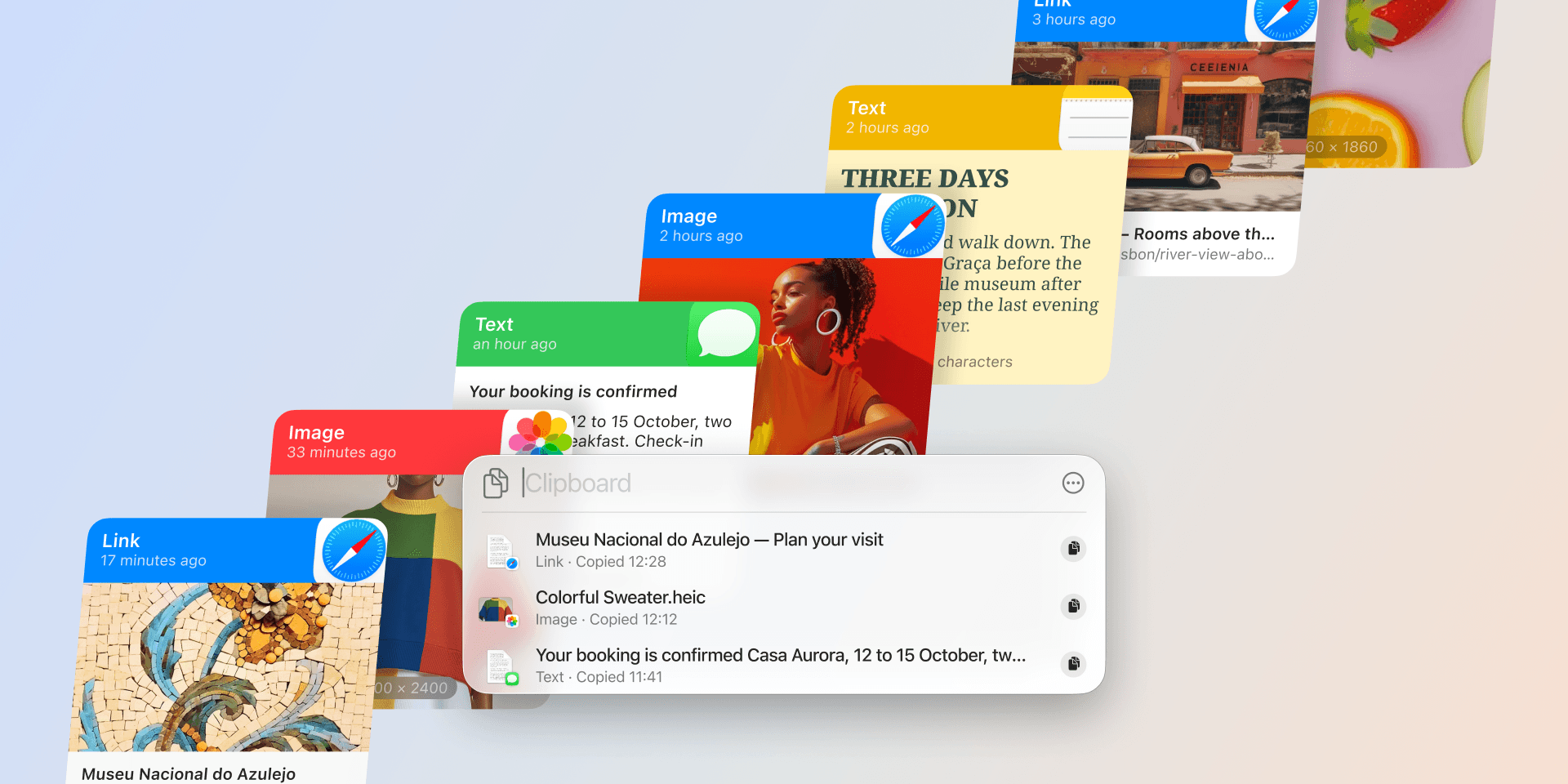
By default, your Mac remembers only the last thing you copied. Copy a link, then copy a line of code, and the link is gone. A clipboard manager fixes that: it keeps a lasting history of everything you copy, so you can find it again, reuse it, and organize the bits you paste all the time.
The apps below all do that core job. They differ on how well they sync across your devices, organize what you reuse, and search your history. But there's a point most "best clipboard manager" lists skip: your clipboard is one of the most sensitive things on your Mac. Over a day it holds passwords, two-factor codes, and private messages, and a clipboard manager records that stream by design. So weigh two more things alongside features: which app you can trust to hold all that, and which will still be maintained next year.
That matters more lately. AI has made it easy to spin up an app in a weekend, App Store submissions surged through 2025 and 2026, and Apple has been tightening review to keep low-quality ones out (AppleInsider, MacRumors). So this guide sticks to established managers with proven track records, and it's upfront about where each one falls short. One of them, Paste, is ours; we'll flag that and let the facts carry it.
Prices and features here are accurate to the best of our knowledge as of October 2026. Apps change, so check each app's own site or App Store listing before you buy.
What matters most in a clipboard manager
Here's a checklist to weigh the apps against. Not every point will matter to you, but the first two are the easiest to overlook and the most expensive to get wrong, so start there.
- Trust and privacy — Your clipboard sees passwords and private notes. A good manager ignores fields that password managers mark as secret, lets you exclude specific apps, and keeps your data on your Mac or in your own private cloud rather than on someone else's servers.
- Active development — An app that has stopped shipping updates stops getting security and macOS-compatibility fixes. For something that quietly records everything you copy, staying actively maintained is a safety requirement, not a nicety.
- Cross-device sync — Does your history follow you from your Mac to your iPhone and iPad, or does it live on one machine? This is the biggest dividing line between the apps below.
- Organization — Can you pin or group the things you reuse, like templates, links, and snippets, instead of scrolling the whole history?
- Search — Finding the thing you copied last Tuesday is the whole point. Look for fast search, filters, and text recognition inside images.
- Formats — Text is table stakes. It's also worth checking for rich text, images, files, and the option to paste as plain text.
- Price — Free, a one-time purchase, or a subscription. All three are below.
- Native feel — You'll reach for a clipboard manager dozens of times a day, so it should feel fast and at home on macOS.
Those are the things worth checking before you pick one.
The clipboard managers worth considering
macOS Spotlight clipboard history
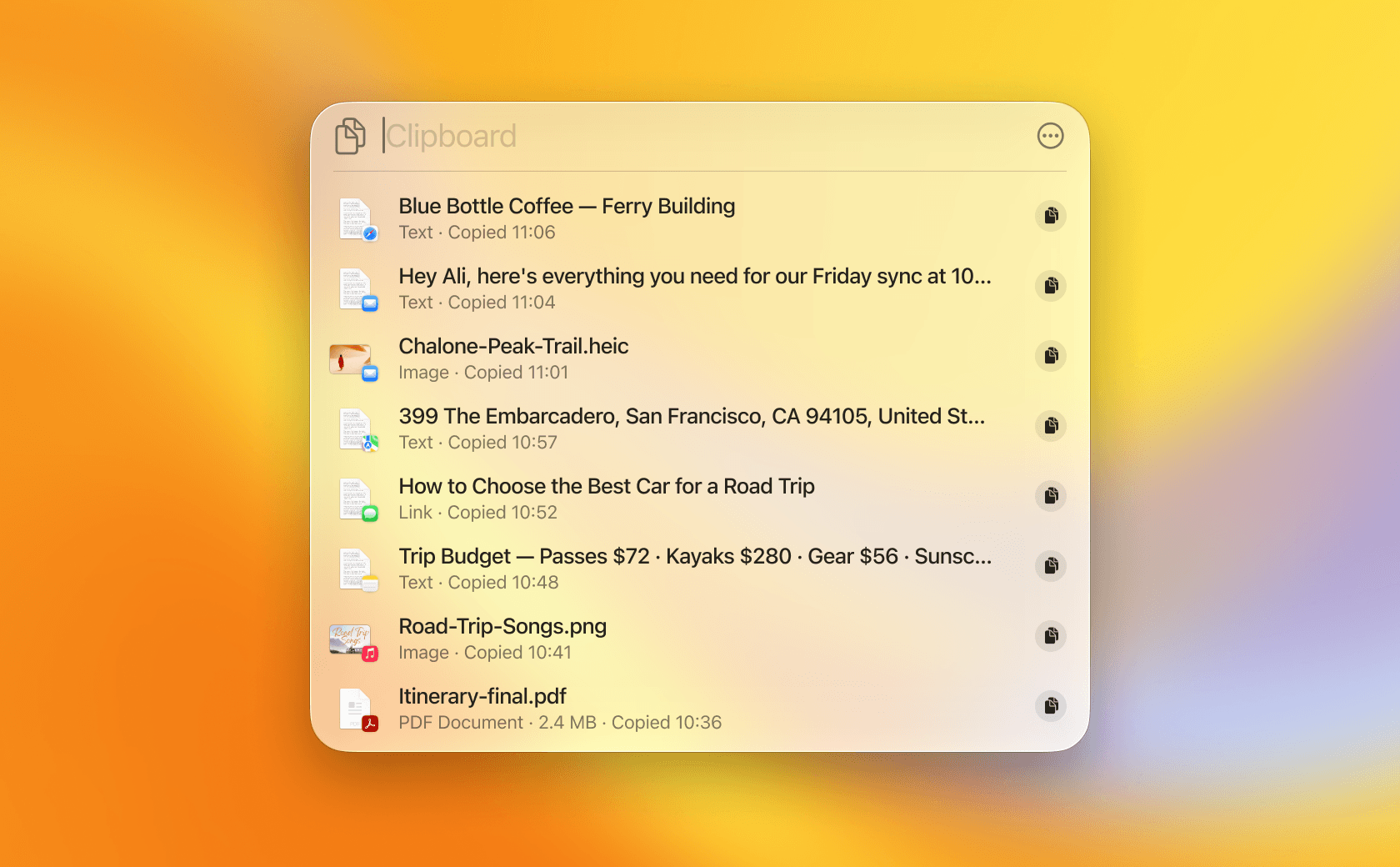
Start with what's already on your Mac. Since macOS 26 Tahoe, and still in macOS 27 Golden Gate, macOS has its own clipboard history, built into Spotlight: press ⌘-Space, then ⌘-4 to see what you've copied recently (Apple Support). It's free, already there, and fine for grabbing something you copied a few minutes ago.
- Best for: people on macOS 26 or 27 who occasionally need the last few things they copied and don't want to install anything.
- Trade-offs: it's bare-bones and you have to opt in. It's off by default (turn it on in System Settings, Spotlight, "Results from Clipboard"), it's Mac-only with no sync to your iPhone or iPad, and it's temporary by design. Items are cleared after a window you pick, from 30 minutes up to 7 days, so it's not a lasting archive. There are no pinboards, just a recent list, and none of this exists on macOS 15 Sequoia or earlier.
- Price: free, built into macOS since 26 Tahoe.
- Platform: Mac only (macOS 26 or later).
If you're on a recent macOS and your needs are light, it may be all you want. The moment you need your history to stick around, stay organized, or show up on your iPhone, that's what the dedicated apps below are for.
Raycast
Raycast is an actively developed app launcher with a built-in clipboard history. If you already use Raycast to launch apps and run commands, its history is a natural add-on: it handles text, images, colors, and links, and lets you pin entries.
- Best for: people who already use Raycast as their launcher and want history in the same window.
- Trade-offs: the free tier keeps clipboard history for three months, and longer retention (six months, a year, or unlimited) needs Raycast Pro. The history also stays on your desktop: there is a Raycast app for iPhone, but Raycast's Cloud Sync keeps clipboard history on each device, so it doesn't reach your phone.
- Price: free; Raycast lists Pro at $10/month, or $8/month billed annually, for longer retention and other Pro features.
- Platform: Mac (also on Windows).
Alfred
Alfred is the long-standing, still-maintained Mac launcher and automation tool. Clipboard history is part of its paid Powerpack, which saves text, images, and file links and pairs well with Alfred's snippets and workflows.
- Best for: Alfred power users who want history alongside their workflows.
- Trade-offs: clipboard history requires the paid Powerpack, it's Mac-only, and it doesn't sync your clipboard across devices. Alfred can sync your settings between Macs via a shared folder, but its own docs say clipboard history is explicitly excluded from that.
- Price: Alfred lists the Powerpack from about £34 (roughly $45), one-time, with a "Mega Supporter" option around £59 (roughly $78) that adds lifetime upgrades. Alfred bills in GBP, so the dollar figures are approximate.
- Platform: Mac only.
Maccy
Maccy is a free, open-source clipboard manager focused on one job: keeping your copy history and giving you fast, keyboard-first access to it. It's lightweight and native, and the source is on GitHub under an MIT license, so you can inspect exactly what it does with your data.
- Best for: anyone who wants a reliable, free clipboard history on a single Mac.
- Trade-offs: it's deliberately minimal. It keeps text and images, but there's no sync to your iPhone or iPad and no pinboards-style organization beyond simple pinning, which caps how far Maccy can take you.
- Price: free and open source from GitHub or Homebrew. The Mac App Store also lists a paid $9.99 "support the developer" build with the same features.
- Platform: Mac only (macOS 14 Sonoma or later).
CopyClip 2
CopyClip 2 from FIPLAB is a menu-bar history that asks very little of you. It opens on a keyboard shortcut, searches everything you've copied as you type, and pins the clips you reach for most to the top of the list. Hover over any clip and it tells you which app it came from, and a private mode pauses recording when you'd rather it didn't watch. FIPLAB's listing also says sensitive fields like passwords are skipped automatically. CopyClip 2 has been on the Mac App Store since 2015, and FIPLAB last updated it in June 2026.
- Best for: anyone who wants a cheap, no-fuss text history on one Mac, with nothing new to learn.
- Trade-offs: it's text only. FIPLAB's App Store listing describes storing text clippings, up to 9,999 of them, so images and files aren't part of it, and there's no iPhone or iPad app or sync of any kind.
- Price: FIPLAB lists it at $7.99, one-time, on the Mac App Store, with a free trial from its own site.
- Platform: Mac only (macOS 11.5 or later).
Pastebot
Pastebot from Tapbots is a clipboard power tool for people who work on a single Mac. Its standout feature is filters: reusable transformations such as strip formatting, find-and-replace, and change case that you apply as you paste, plus custom pasteboards, sequential paste, and search by content, app, date, or type. Tapbots shipped Pastebot 3 in July 2026, adding rule-based organization on top of that.
- Best for: power users who want to clean up and transform text as they paste, on a Mac.
- Trade-offs: it's Mac-only. It syncs between Macs via iCloud and works with Apple's Universal Clipboard, but there's no Pastebot app for iPhone or iPad. Version 3 also requires macOS 26 Tahoe, so it's out of reach if you're staying on an older macOS.
- Price: Tapbots lists Pastebot 3 at $39 bought directly, which includes a year of updates, with further years at $19; on the App Store it's a subscription at $2.99/month or $24.99/year. There's a 14-day trial.
- Platform: Mac only (macOS 26 Tahoe or later).
Flycut
Flycut is a free, open-source option (MIT-licensed), originally built for developers who copy and paste plain-text snippets all day. It still works, and the code being open is a point in its favor.
- Best for: developers who want a free, bare-bones plain-text buffer and don't mind building from source to get recent fixes.
- Trade-offs: the last release was back in 2020. Fixes still land in the code now and then (one in August 2026 made menu-bar clicks reliable on macOS 27), but they reach you only if you build the app yourself. For an app that records your clipboard, that slow pace is a real caveat. There's a separate iOS app, but clips live locally on each device rather than syncing.
- Price: free, open source.
- Platform: Mac, with a separate, also-dormant iOS app.
Paste
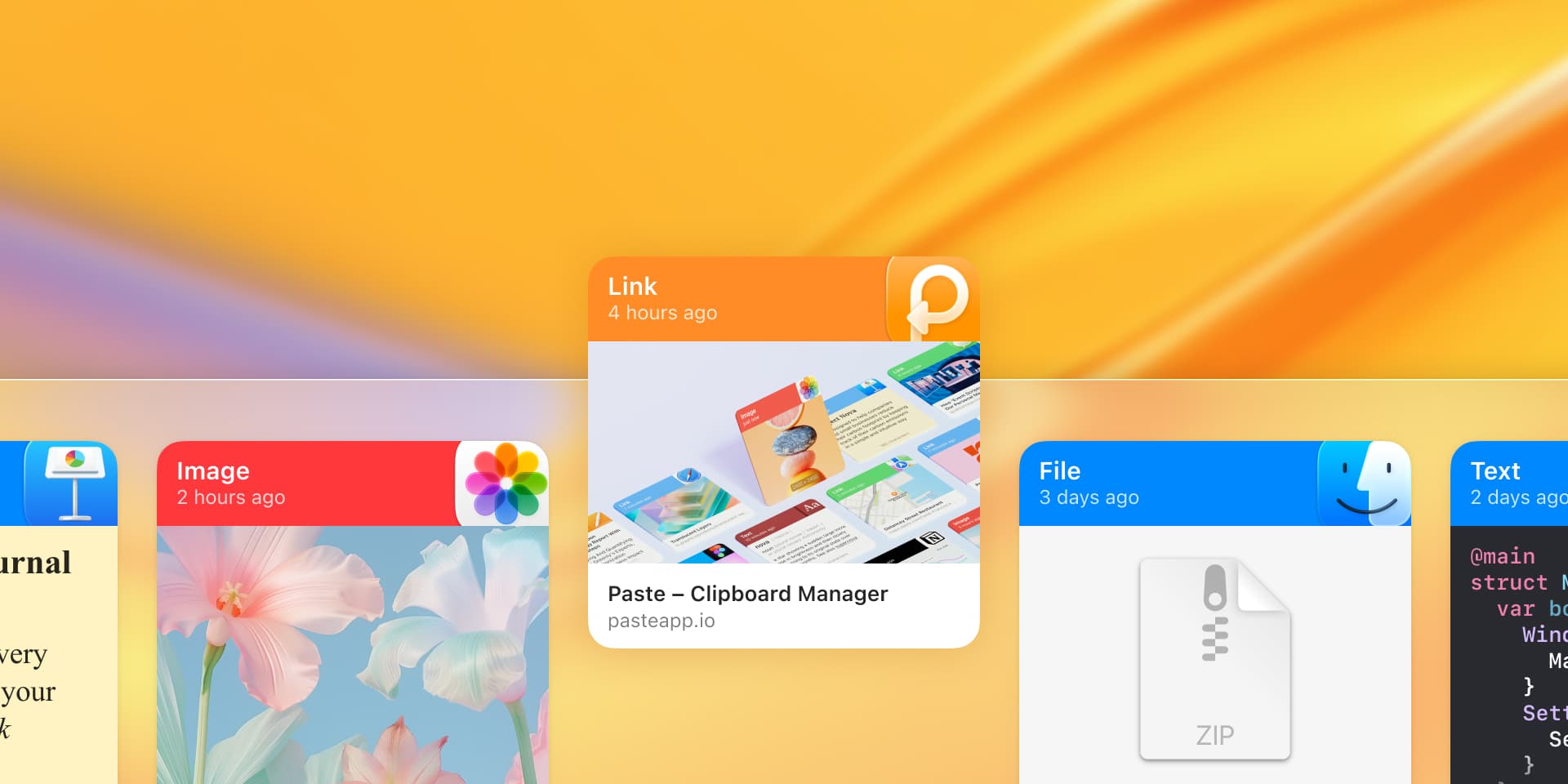
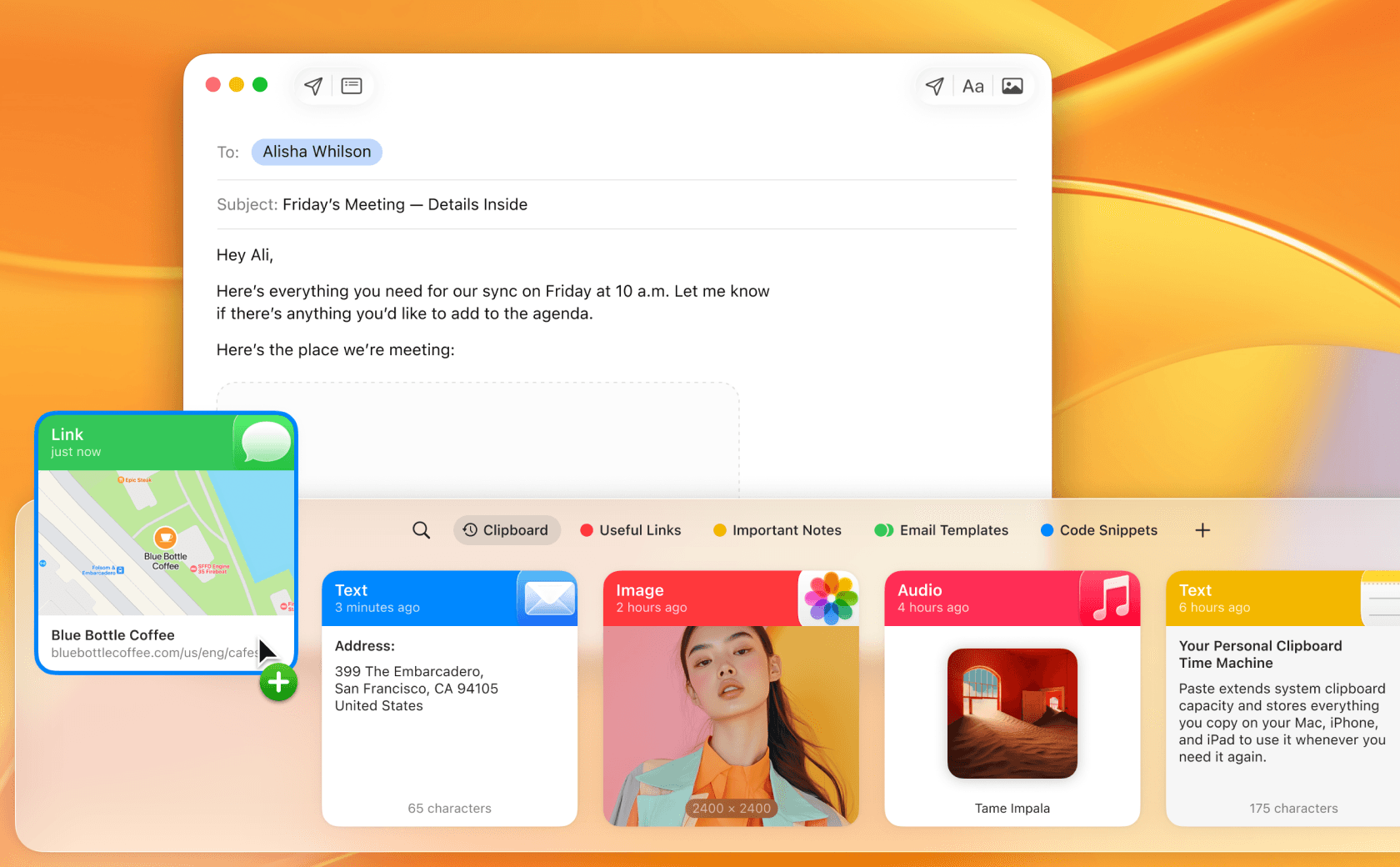
Paste has been around since 2015, among the first dedicated clipboard managers built for Apple devices, and it has been actively developed every year since (the latest release, Paste MCP, arrived in June 2026, connecting your clipboard history to AI tools). That decade of steady work shows: Apple has repeatedly featured it on the App Store (Find the Perfect Clipboard Manager). It's also the only app here that does the two hardest things at once: it keeps a searchable history and syncs it across your Mac, iPhone, and iPad, without giving up trust or active upkeep. It's private by design: your history stays on your device and in your own private iCloud, never on our servers, and you can exclude apps that handle sensitive data (what Paste captures).
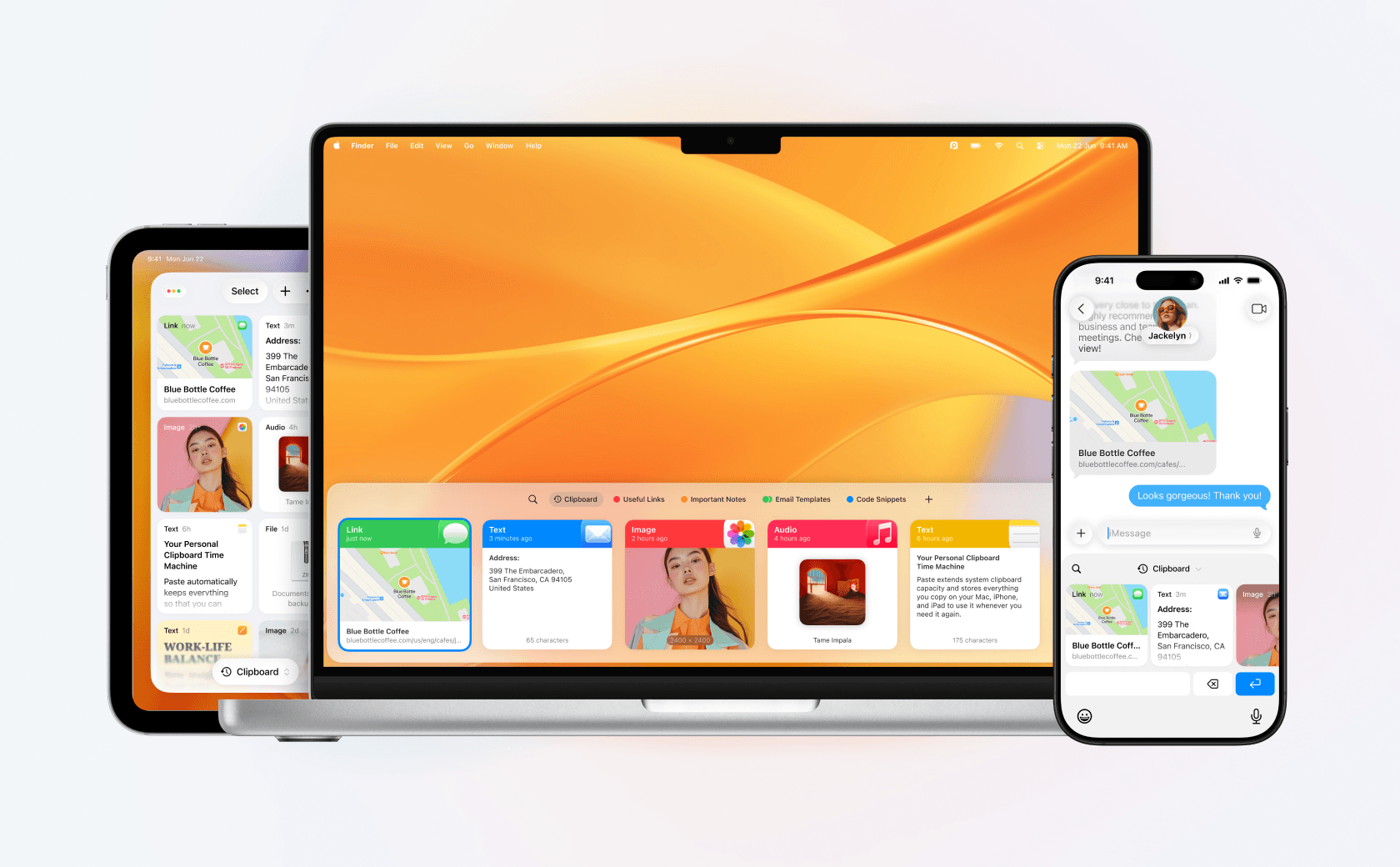
On top of that foundation, it does what the others can't all at once. The link you copied on your laptop an hour ago is right there on your phone. You organize the things you reuse into pinboards, find anything fast with Power Search including text recognized inside images, and paste as plain text when you need to. It's designed to feel native on every Apple device.
- Best for: anyone who copies and pastes across a Mac and an iPhone or iPad and wants it trustworthy, organized, searchable, and in sync.
- Trade-offs: it's currently Apple-only, on Mac, iPhone, and iPad, with no Windows or Android version yet, though we're exploring other platforms.
- Price: free to try on all your devices for a week, then $29.99/year (about $2.49/month) or a one-time $99.99 lifetime license. Team plans are available too.
- Platform: Mac, iPhone, and iPad.
Comparison at a glance
| App | Price | Platforms | Syncs to iPhone & iPad | Still actively maintained |
|---|---|---|---|---|
| macOS (built-in) | Free (macOS 26 or later) | Mac | No | Yes (it's macOS) |
| Raycast | Free; Pro from $8/mo | Mac, Windows | No | Yes |
| Alfred | Powerpack from ~$45 one-time | Mac | No | Yes |
| Maccy | Free (open source); $9.99 App Store | Mac | No | Yes |
| CopyClip 2 | $7.99 one-time | Mac | No | Yes |
| Pastebot | $39 direct; or $24.99/yr | Mac | No (Mac to Mac only) | Yes (Pastebot 3, July 2026) |
| Flycut | Free (open source) | Mac, iOS | No (local on each) | Code fixes only; last release 2020 |
| Paste | Free trial; from $2.49/mo | Mac, iPhone, iPad | Yes, across all | Yes (since 2015, ongoing) |
Getting started with Paste
If a trustworthy, cross-device, organized clipboard is what you're after, the best way to know is to try it. Paste is free to try on all your devices for a week, on Mac, iPhone, and iPad, so you can feel how it fits your day before you decide:
- Download it for free; it's also on the App Store and Setapp.
- Copy as you normally would, and Paste keeps the history and syncs it across your Mac, iPhone, and iPad through your private iCloud.
- Organize what you reuse into pinboards, and find anything with Power Search.
See plans and pricing, or read how copy and paste works across your Apple devices.
Frequently asked questions
Does macOS have a built-in clipboard manager?
Sort of, and only recently. For years macOS kept just the most recent thing you copied, so copying something new meant the previous item was gone. macOS 26 Tahoe added a basic clipboard history inside Spotlight (press ⌘-Space, then ⌘-4), and macOS 27 Golden Gate keeps it, but it's deliberately limited: it's off by default, it's Mac-only with no sync to your iPhone or iPad, and it keeps items only for a window you set, from 30 minutes up to 7 days, after which they're cleared. A dedicated clipboard manager adds what that leaves out: a lasting, searchable, organized history that doesn't expire and can follow you across devices.
Can you trust a clipboard manager with passwords and private data?
You can, but only if you choose carefully, and trust should be the first thing you weigh, not the last. Your clipboard regularly holds passwords, codes, and private text, so prefer a manager that ignores fields marked as passwords by password managers, lets you exclude specific apps, and keeps your history on your Mac or in your own private cloud rather than on someone else's servers. Just as important, pick one that's still actively developed, so it keeps getting security and macOS fixes. Paste, for example, keeps your history in your private iCloud (never on our servers), lets you exclude sensitive apps, and is actively maintained. See what Paste captures.
Is Paste free?
Paste is free to try for a week across all your devices, on Mac, iPhone, and iPad, with no commitment. After the trial it's a subscription ($3.99/month or $29.99/year) or a one-time $99.99 lifetime purchase, and every plan covers all your Apple devices. See plans and pricing for the current details.
Which clipboard manager syncs to iPhone and iPad?
This is where most Mac clipboard managers stop: they're Mac-only, or they sync only between Macs. Paste is built around it, so your clipboard history syncs across your Mac, iPhone, and iPad through your private iCloud, and you can copy on one device and paste on another. Apple's own Universal Clipboard hands off your last copy between devices, but it doesn't keep a history.