macOS Tahoe clipboard history: how far it goes
For years the Mac held on to one thing at a time: the last thing you copied. Copy an address, then copy a link, and the address was gone. macOS 26 Tahoe changed that, and macOS 27 Golden Gate keeps it: your Mac now has a short clipboard history, built into Spotlight.
If you use a clipboard manager, or have been thinking about one, that raises a fair question: is the built-in history enough on its own? Here is the full picture. What the built-in clipboard history covers, what it doesn't, and what Paste adds on top.
Built into Spotlight
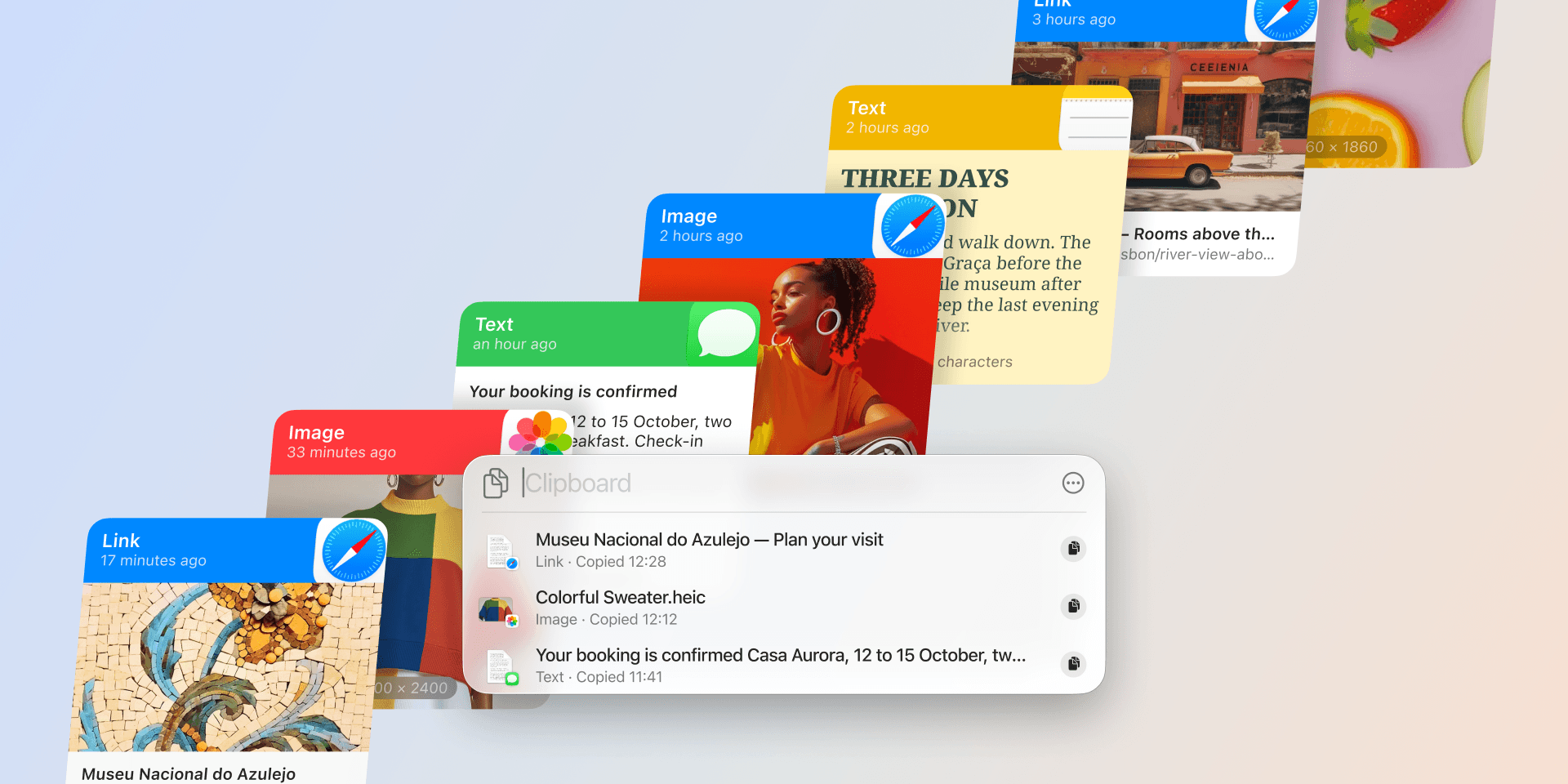
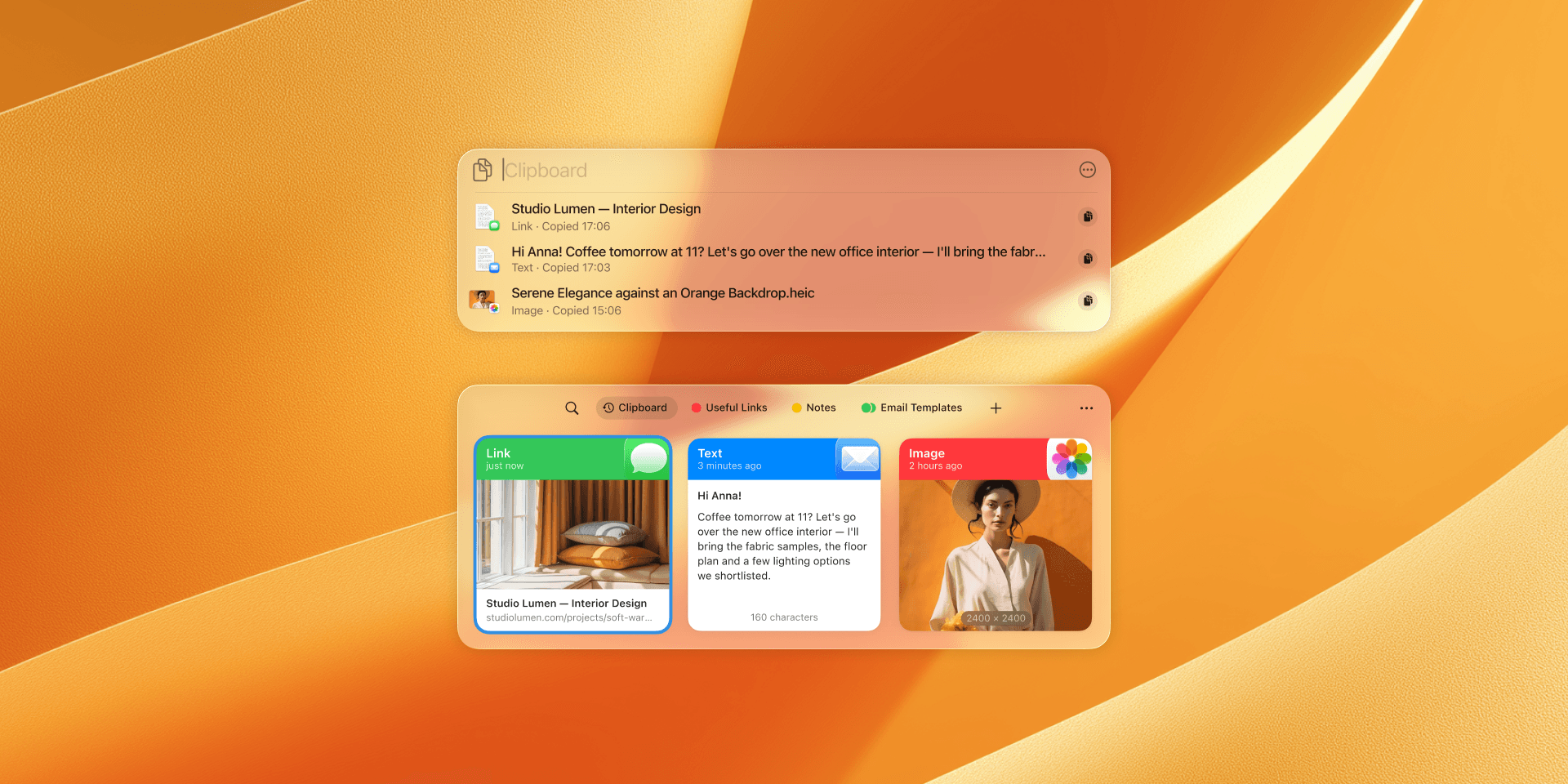
The history lives in Spotlight, the search panel that opens with ⌘-Space. Press ⌘-4 from there and the panel switches to your clipboard, showing the last several things you copied. The first time you open it, macOS asks whether to allow results from the clipboard; the button reads Allow on macOS 27 and Enable on Tahoe. Say yes and it records from that point on.
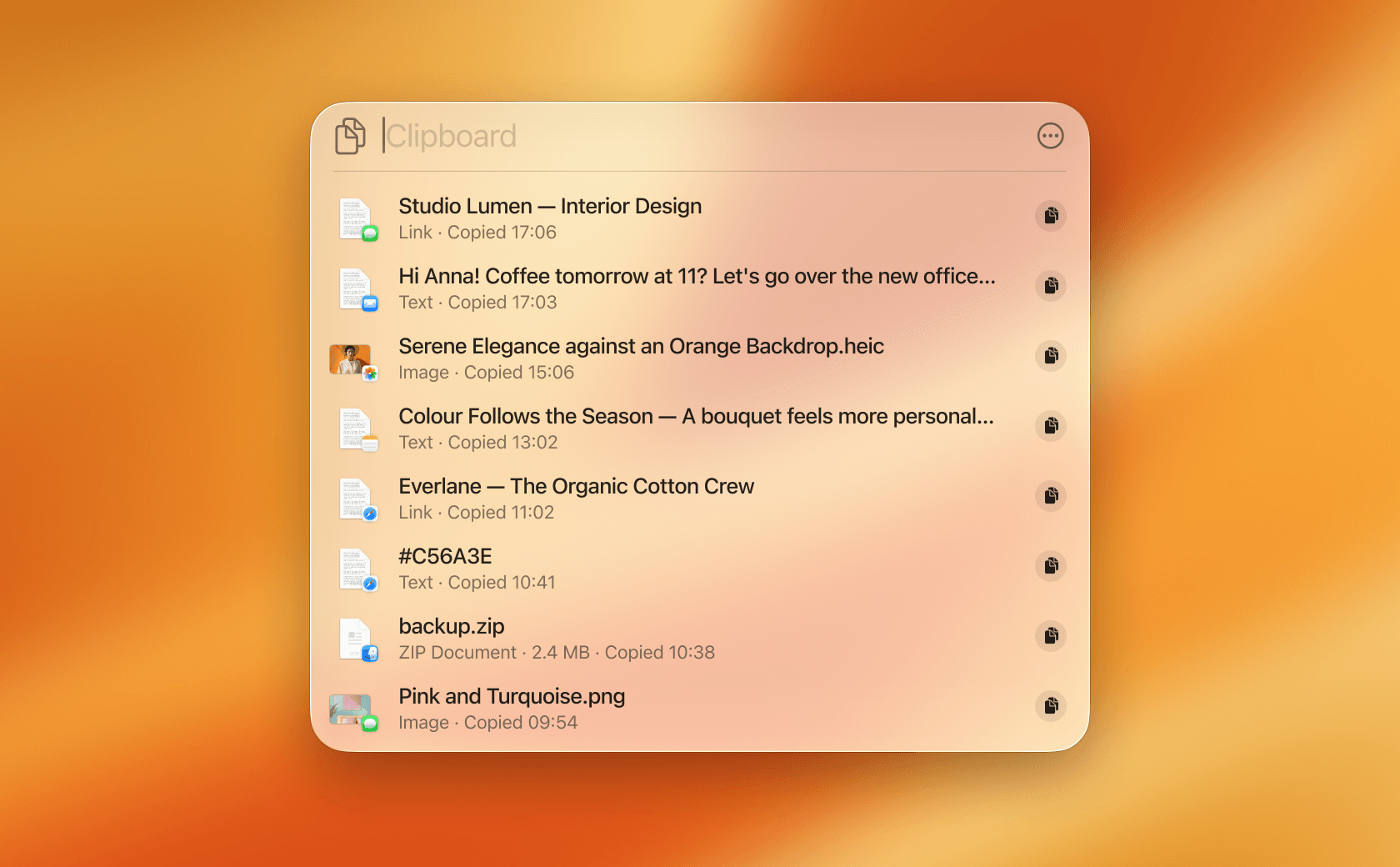
This gives the Mac something it didn't have before. You copied a code from a message a few minutes ago and it scrolled away, or you pasted over something you meant to keep. Before Tahoe both were gone for good; now you open the list and pick the item back up. It arrives with macOS, so there is nothing to install and nothing to pay for.
Where the list runs out
This is real progress, and convenient for the everyday case. There are still some limits worth knowing before you rely on it:
- It clears itself on a schedule. Items are removed after a window you choose. Apple added three options in Tahoe 26.1: 30 minutes, 8 hours, or 7 days (MacRumors). It's a rolling buffer rather than an archive, so the snippet you reuse every week won't be there next month.
- It stays on your Mac. There's no history on your iPhone or iPad. Apple's Universal Clipboard hands your single most recent copy between devices, but it doesn't carry a history of clips, so you can't copy something on your Mac and scroll back to it on your phone.
- It's one list, not a library. There are no pinboards, favorites, or folders for the templates, links, and signatures you paste all day.
- It lives inside Spotlight. You reach it through the Spotlight flow rather than a dedicated window, and it's tuned for recent text more than for images and files you want to keep and search.
A history that lasts, on every device
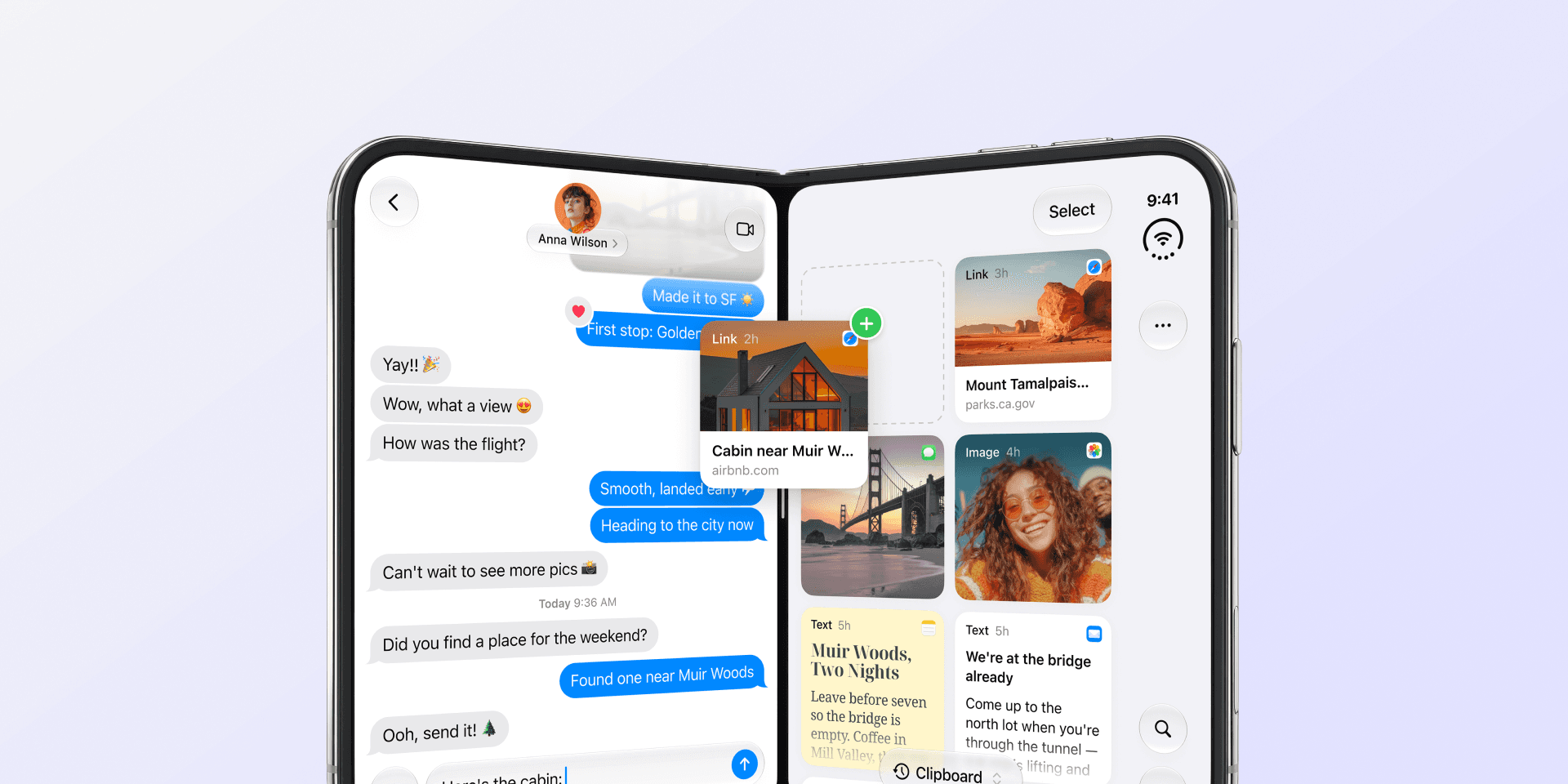
Paste is built for the work the system history doesn't reach. Four differences come up most often:
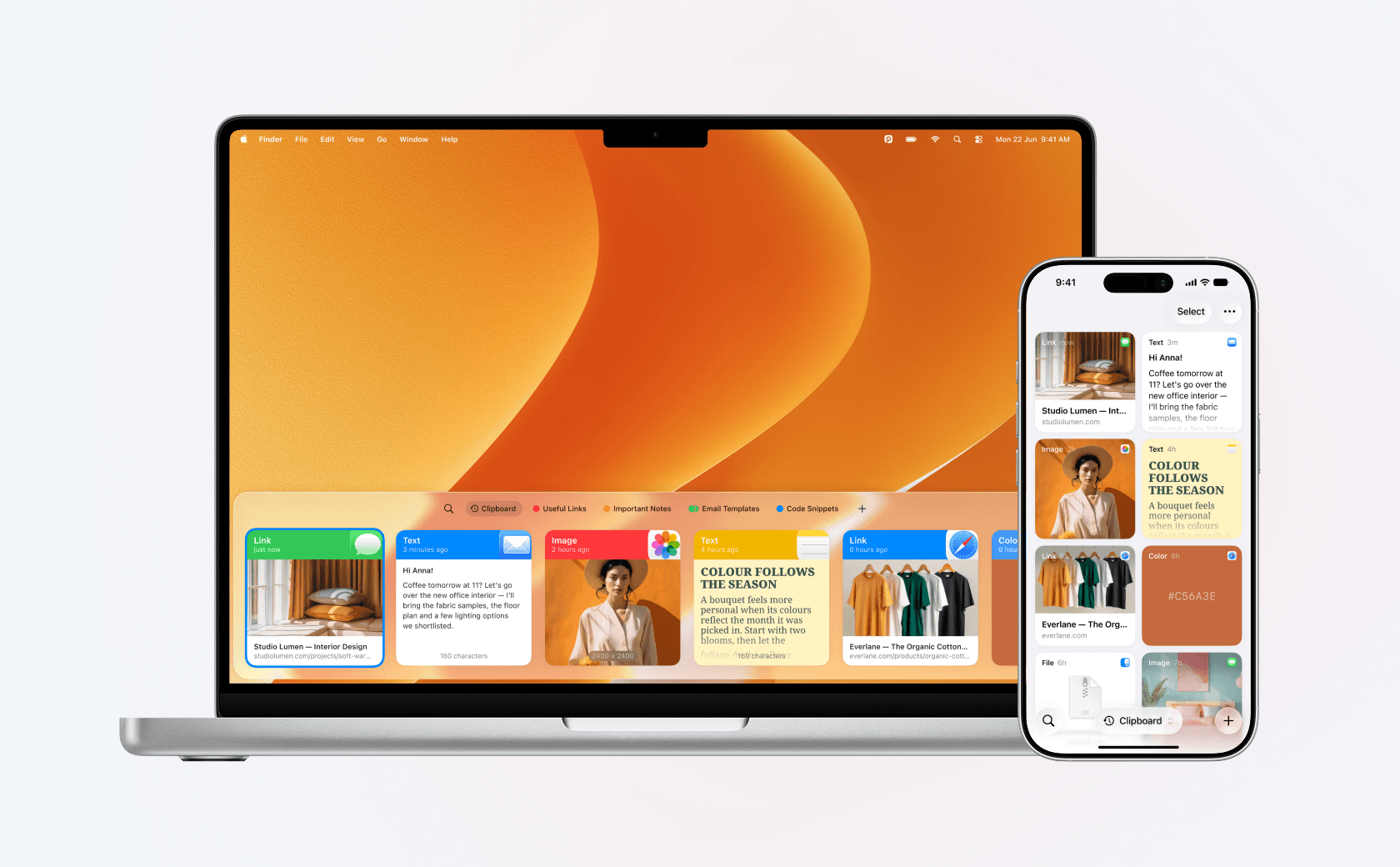
- The history lasts, and it's searchable. Search by keyword, filter by type, and find something weeks later, including text recognized inside images.
- It follows you between devices. The link you copied on your laptop at lunch is on your phone when you need it, because the whole history syncs, not only the last copy.
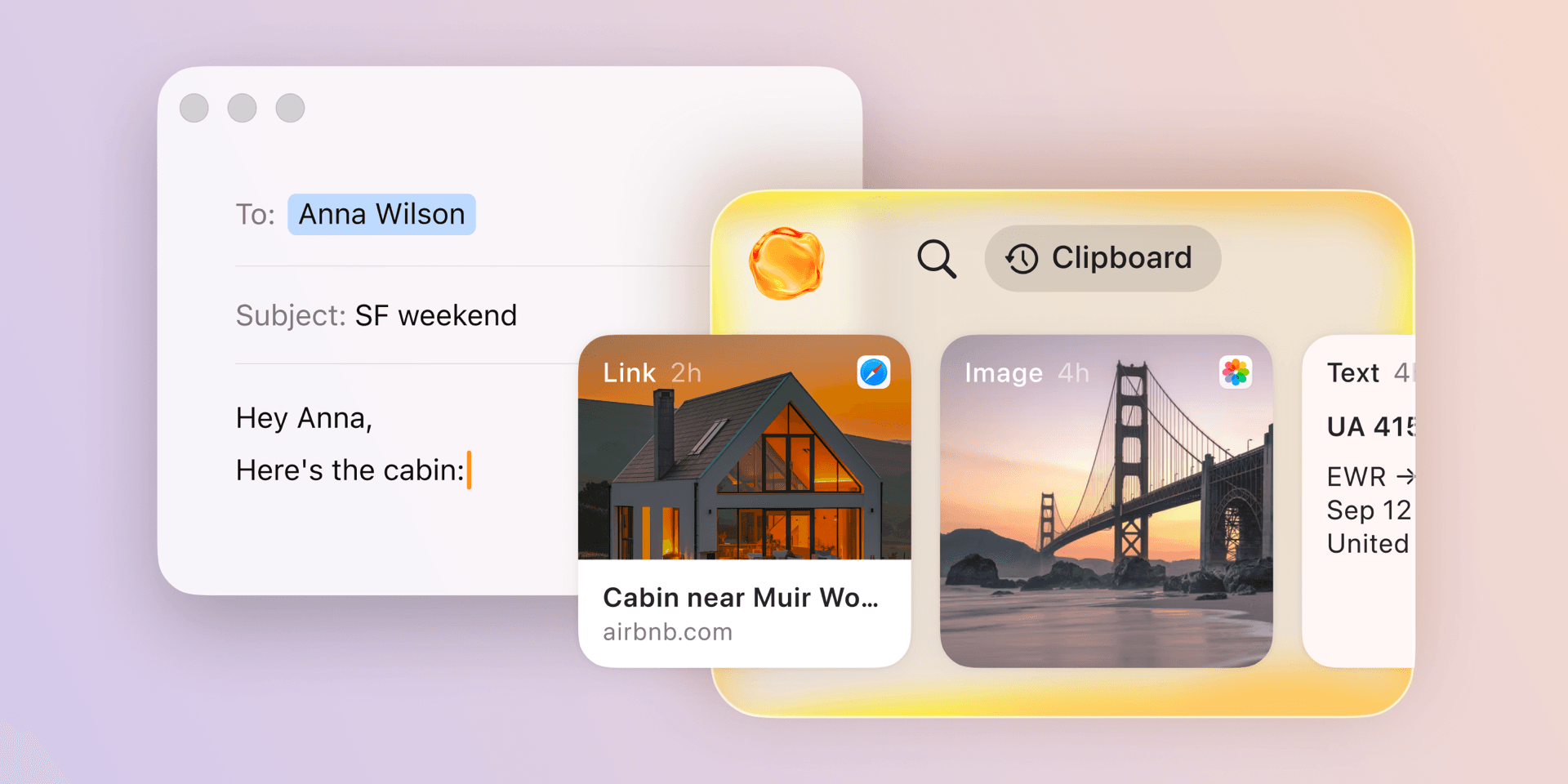
- The things you reuse have a place. Email signatures, addresses, code snippets, and canned replies sit one click away in pinboards, so a rolling window never takes them away.
- It holds more than text. Images, files, and rich text are kept and organized alongside everything else.
Paste has been around since 2015, among the first dedicated clipboard managers for Apple devices, and it does the two hardest parts at once: it keeps a searchable history, and it syncs that history across your Mac, iPhone, and iPad through your own private iCloud.
Side by side:
| macOS built-in | Paste | |
|---|---|---|
| How long it keeps clips | 30 minutes to 7 days | As long as you want |
| Where your history lives | This Mac only | Mac, iPhone, and iPad in sync |
| Organize what you reuse | No | Pinboards for snippets you reuse |
| Search | Recent list | Full search, including text in images |
| Images and files | Basic | Kept and organized |
Where your copies live
Whatever you use, your clipboard is one of the most sensitive places on your Mac. Across a day it holds passwords, two-factor codes, and private messages, and any clipboard history records that stream by design. The Mac is moving the way the iPhone did here, with alerts when an app reads your clipboard without you actively pasting (MacRumors). That is a good reason to care where your copied data goes.
It's the reason Paste is private by design. Your history stays on your device and in your own private iCloud, never on our servers, it ignores fields that password managers mark as secret, and you can exclude any app that handles sensitive data. See what Paste captures for the details.
How to decide
So which one is right for you? It comes down to how long you need a copy to last, and how many devices it has to reach.
- The built-in covers you if you're on macOS 26 or 27, work on one Mac, and mostly need to grab something you copied a little while ago.
- Paste is worth adding if you want your history to last and stay searchable, to reach it on your iPhone and iPad too, to organize the things you reuse, and to keep images and files, all of it private.
If the second one sounds like your day, try it and see. Paste is free for a week across your Mac, iPhone, and iPad, long enough to tell whether a synced, searchable clipboard fits how you work.
- Download it for free, and it works the moment you install it.
- Copy as you normally would, and Paste keeps the history and syncs it across your devices through your private iCloud.
- Organize what you reuse into pinboards, and find anything with Power Search.
See plans and pricing, or read how copy and paste works across your Apple devices.
Frequently asked questions
Does macOS have a built-in clipboard history?
Yes, since macOS 26 Tahoe, and still in macOS 27 Golden Gate. Press ⌘-Space to open Spotlight, then ⌘-4 to see the last several things you copied, after you allow it the first time you open it. It's a recent list rather than a lasting, organized archive.
How long does macOS keep your clipboard history?
You choose from three windows, added in Tahoe 26.1: 30 minutes, 8 hours, or 7 days. After that, items are cleared automatically. It's a rolling buffer, so anything older than your window is gone.
Does macOS clipboard history sync to iPhone and iPad?
No. The built-in history stays on your Mac. Apple's Universal Clipboard passes your single most recent copy between devices, but it doesn't sync a history of clips. Keeping your full history in sync across a Mac, iPhone, and iPad is what Paste does.
Do you still need a clipboard manager on a Mac now?
It depends on how you work. If you only need the last few things you copied on one Mac, the built-in history covers it. If you want your history to last and stay searchable, follow you to your iPhone and iPad, organize the things you reuse, and hold images and files, that is what Paste adds.