Best MCP servers for productivity in 2026
AI tools are good at the task in front of them and blind to everything around it. They don't know what's in your files, your notes, your issue tracker, or the thing you copied an hour ago. So you end up pasting the same context into the prompt over and over.
Model Context Protocol, or MCP, is the fix. It's an open standard that lets an AI tool connect to an app or a data source through a small program called an MCP server. Connect a server once and your AI tool can work with that source directly: your repositories, your Notion pages, your Linear issues, your clipboard history. It's supported by tools like Claude, Cursor, and Codex.
This guide covers the MCP servers worth connecting if your goal is getting real work done, not just trying the protocol. They're a mix: some run locally on your Mac, some are hosted in the cloud, some are official and some are community-built. One of them, Paste, is ours.
One word on trust before the list, because it matters more with MCP than with most tools. An MCP server can hand your AI tool real access to your data, and in some cases the ability to change it. So weigh where each server runs and what it can reach, not just what it can do.
What matters when you pick an MCP server
A few things separate a server you'll keep from one you'll uninstall in a week.
- Where it runs. A local server runs on your machine, so your data stays with you. A remote server is hosted by the vendor, so your requests and content pass through their cloud. Neither is wrong, but it's the first thing to know about any server you connect.
- What it can reach, and whether it can change things. Some servers only read. Others can edit issues, send messages, or write files. The more a server can do, the more it matters who you let connect.
- Official or community-built. An official server from the app's own maker is more likely to stay maintained and match the app's permissions. Community servers can be excellent, but check that the project is active.
- Which AI tools it supports. Most servers work with Claude, Cursor, and Codex, but setup differs per tool. Check that yours is covered.
- Setup effort. A hosted server you authorize with one sign-in is very different from one you configure in a JSON file and run yourself.
- Cost. Many MCP servers are free or included with an app you already pay for. A few draw on usage quotas.
Local or cloud: which kind to use
It's worth a moment, because it decides where your data ends up. A remote MCP server is the easy path: you sign in once and the vendor runs everything. The trade-off is that your content travels to their servers to be useful. For data you already keep in that vendor's cloud, like Notion pages or Jira tickets, that changes little. For data that lives on your Mac, like your files or your clipboard history, a local server keeps it on the device instead of uploading it to be read.
A good rule: match the server to where the data already lives. Cloud apps pair well with remote servers. Local context, the files and clips on your machine, is better served by a local server. The list below has both.
The MCP servers worth connecting
Filesystem
The Filesystem server is one of the official reference servers from the team behind MCP. It gives your AI tool read and write access to folders you choose on your Mac, so it can open, search, and edit local files as part of a task. It's the simplest way to let an AI tool work with what's already on your disk.
- Best for: giving an AI tool access to a specific set of local files and folders.
- Trade-offs: it's a bare building block, not a finished app. You configure it in a JSON file and scope the allowed folders yourself, and its access is only as safe as the directories you grant. Granting too broad a path is the common mistake.
- Runs: local, on your Mac.
- Cost: free and open source.
GitHub
GitHub's official MCP server lets your AI tool work with repositories, issues, and pull requests. You can point it at the hosted version GitHub runs and sign in with OAuth, or run it locally with Docker if you'd rather keep the connection on your machine.
- Best for: developers who want their AI tool to read and act on repositories, issues, and pull requests.
- Trade-offs: it's built for software work, so most of it goes unused if you don't live in GitHub. The local option needs Docker installed and running.
- Runs: remote, hosted by GitHub, or local via Docker.
- Cost: free with a GitHub account.
Linear
Linear's MCP server connects your AI tool to the issues, projects, and comments you track in Linear. It's a hosted server that Linear runs, so there's nothing to install: you authorize it with a single sign-in, and it works with every Linear plan.
- Best for: teams who plan work in Linear and want their AI tool to find and update issues and projects.
- Trade-offs: it's only useful if your team already runs on Linear. It acts with your account's permissions, so it's worth thinking about scope on a shared workspace.
- Runs: remote, hosted by Linear.
- Cost: included with every Linear plan, including the free one.
Paste
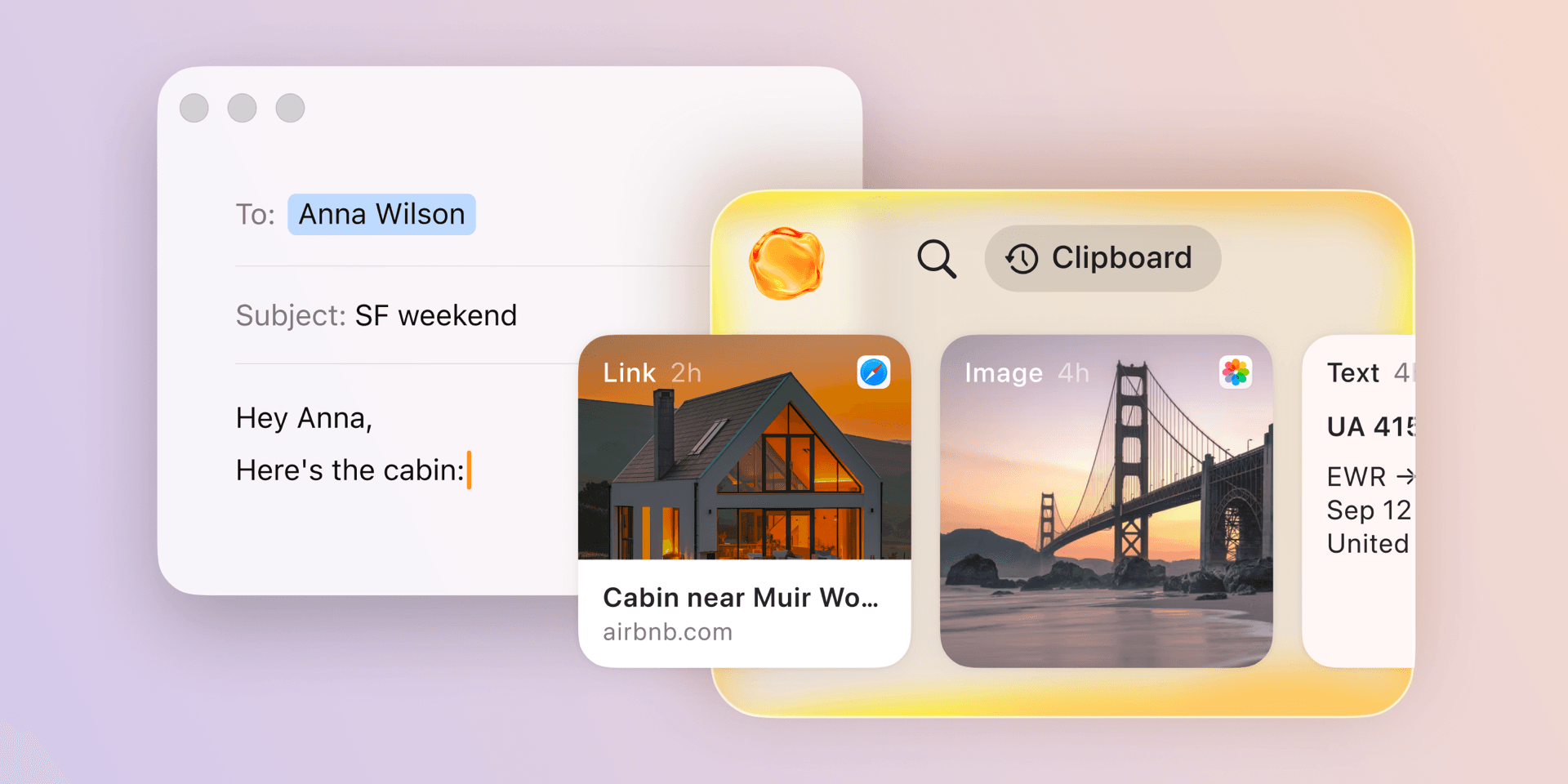
Paste has been a clipboard manager for Apple devices since 2015, and Paste MCP is its newest addition: a local MCP server built into the Mac app that makes your clipboard history available to AI tools like Claude, Codex, and Cursor. The things you copy through the day, a link, a note, a screenshot, a snippet, become context your AI tool can use, without you collecting it into the prompt first.
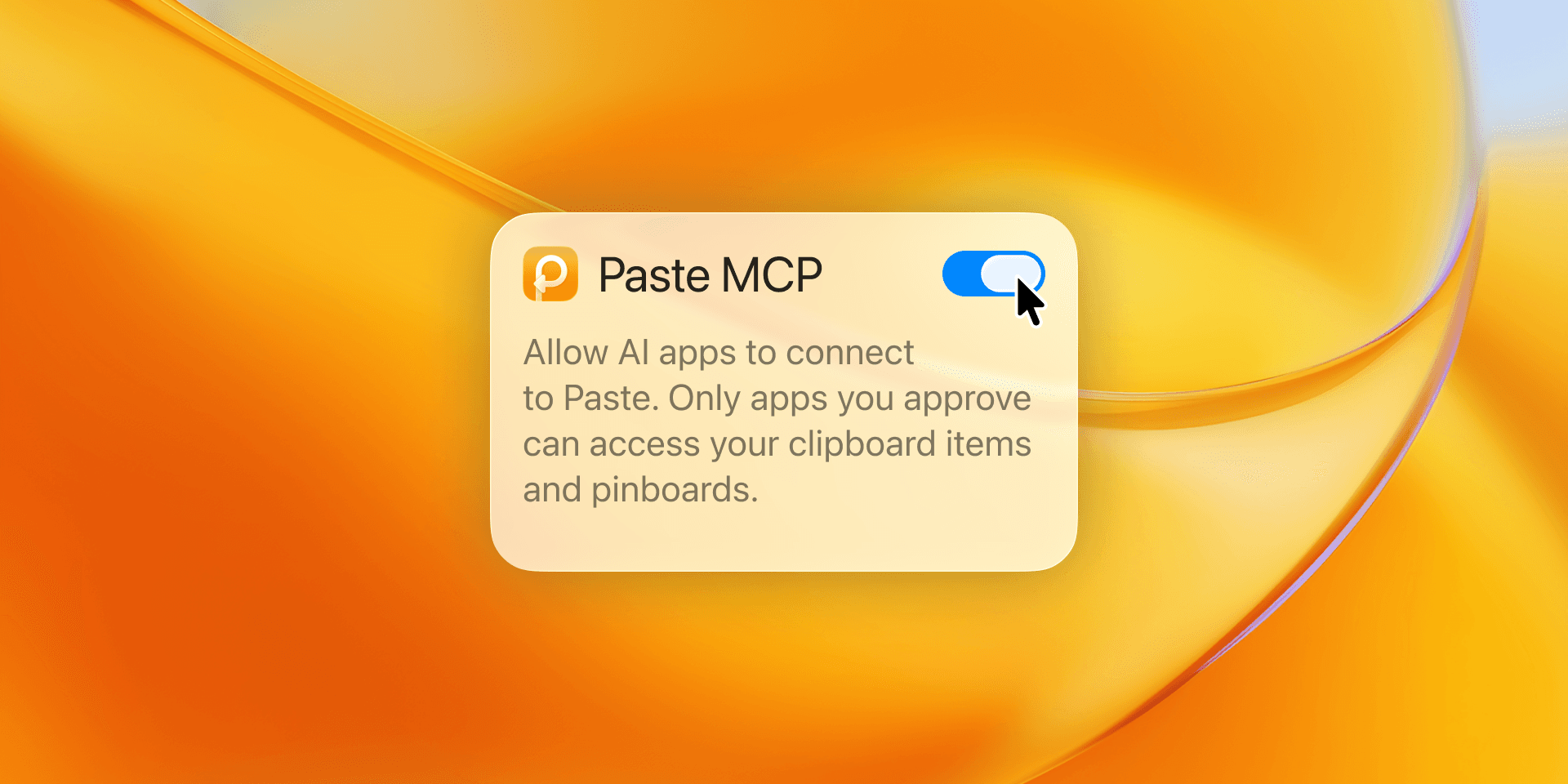
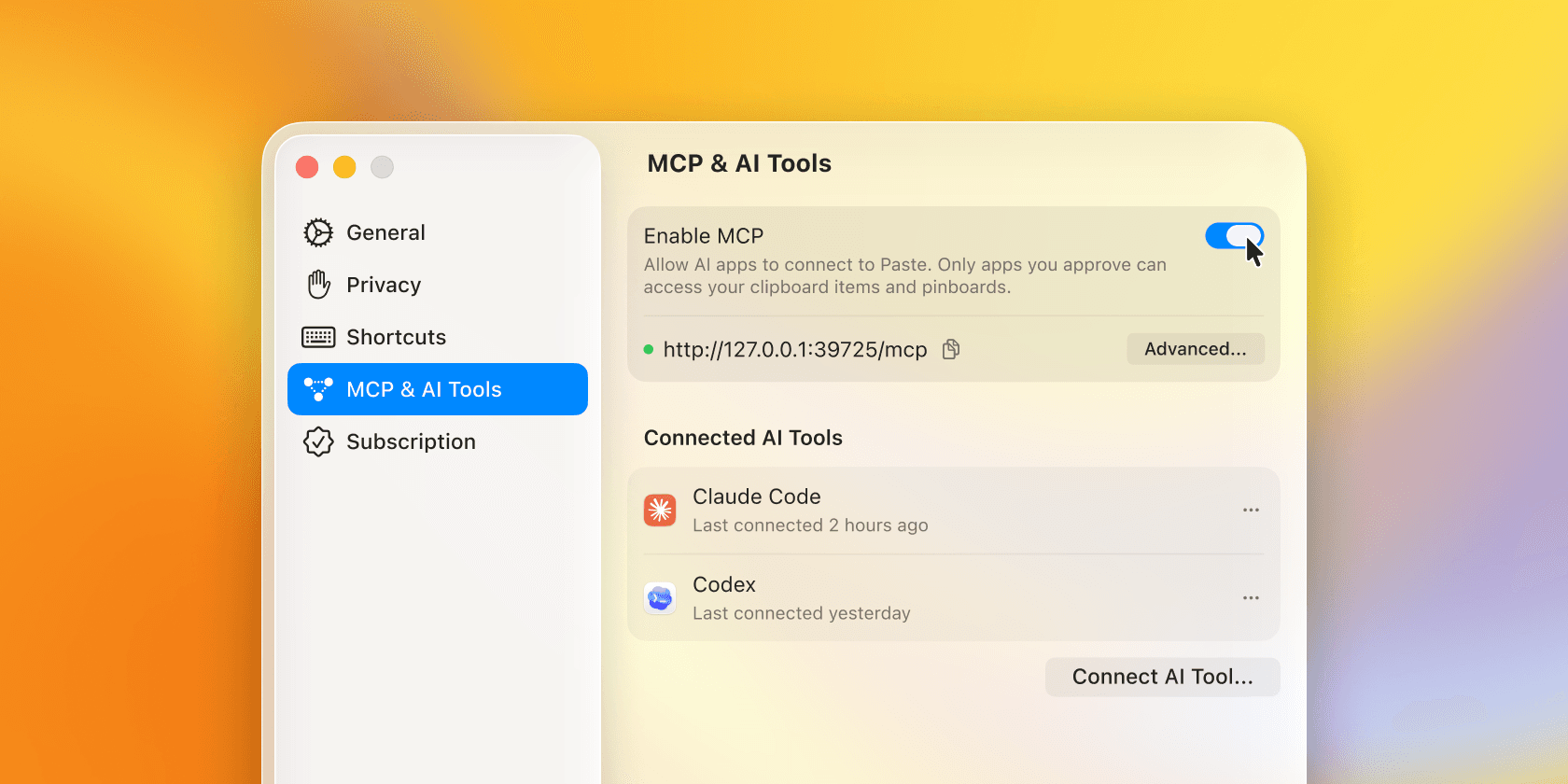
Unlike the cloud-hosted servers in this list, Paste MCP runs locally on your Mac. You decide which tools to connect and can remove access at any time, and your clipboard history stays under your control (what Paste captures).
In practice you ask for what you need: find the notes I copied this morning and draft a team update, or pull the links I saved about onboarding and summarize them. Paste remembers what you copied; your AI tool puts it to work.
- Best for: anyone who wants their AI tool to use what they've already copied as context, kept local on your Mac.
- Trade-offs: it's Mac-only and focused on clipboard context rather than a whole app's data, and you need Paste installed.
- Runs: local, on your Mac, built into the app.
- Cost: included with Paste, which is free to try and then a paid plan (Paste plans).
Notion
Notion's MCP server brings your notes, docs, and wikis into your AI tool, so it can find a page or pull in context without you copying it across. Notion offers two: a hosted server you authorize with OAuth, and a local open-source one you run with an integration token.
- Best for: people whose notes, docs, and wikis live in Notion.
- Trade-offs: Notion has said it's prioritizing the hosted server, so the local open-source option may not stick around. The hosted version sends your workspace content through Notion's cloud to be read.
- Runs: remote, hosted by Notion, or local via the open-source server.
- Cost: included with your Notion plan.
Atlassian
The Atlassian remote MCP server connects Jira and Confluence to your AI tool, so it can search, summarize, create, and update issues and pages. Atlassian runs it as a hosted server, and it reached general availability in early 2026. It acts only within your existing permissions and doesn't store your data.
- Best for: teams who track work in Jira and document it in Confluence.
- Trade-offs: it's for Atlassian Cloud, so self-managed Server and Data Center setups aren't covered. As with any hosted server, your work items pass through Atlassian's cloud.
- Runs: remote, hosted by Atlassian.
- Cost: included with your Atlassian Cloud plan.
Zapier
Zapier's MCP server takes a different approach: instead of connecting one app, it opens a single bridge to the thousands of apps Zapier already integrates with, so your AI tool can send a Slack message or draft an email through connections you've set up. It reuses your existing Zapier account, so there's little to configure.
- Best for: people who want one connection that reaches many apps without setting up a server for each.
- Trade-offs: it's a broad bridge rather than a deep integration, so each app's actions are shallower than a dedicated server gives you. Calls draw from your Zapier task quota.
- Runs: remote, hosted by Zapier.
- Cost: included with Zapier plans; each call uses two tasks from your quota.
Try Paste MCP
If the context you keep reaching for is the stuff you copy through the day, Paste MCP is the local piece of this list and the quickest to try. Install Paste on your Mac, turn on MCP in settings, and connect it from your AI tool. There are short setup guides for Claude, Codex, and Cursor, and the longer story is in Paste MCP: turn clipboard history into context for AI tools.
Frequently asked questions
What is an MCP server?
An MCP server is a small program that connects an AI tool to one app or data source through the Model Context Protocol, an open standard. Once connected, the AI tool can read and, depending on the server, act on that source: your files, your issues, your notes, your clipboard history. You can connect several at once, each adding one more thing your AI tool can reach.
Are MCP servers safe to use?
They're as safe as what you connect and who you let connect it. An MCP server can grant real access to your data, so prefer official servers from the app's own maker, connect only what you need, and review what each one can do before you authorize it. Where the server runs matters too: a local server keeps your data on your machine, while a remote one routes it through the vendor's cloud.
What's the difference between a local and a cloud MCP server?
A local server runs on your own computer, so the data it reaches stays on the device. A cloud, or remote, server is hosted by the vendor, so it's easier to set up but your content passes through their servers to be used. Match the server to where your data already lives: cloud apps pair well with remote servers, while local context like your files or your clipboard history is better kept on a local one.
Do I need to be a developer to use MCP?
Not for the hosted servers. Servers like Linear, Notion, Atlassian, and Paste connect with a single sign-in or a settings toggle. A few, like the Filesystem reference server, expect you to edit a config file, so they lean more technical.
Which AI tools support MCP?
Most current AI tools do, including Claude, Codex, and Cursor, and the list keeps growing. Each tool has its own way to add a server, usually under an MCP or connectors setting. Paste MCP includes setup guides for the common ones.