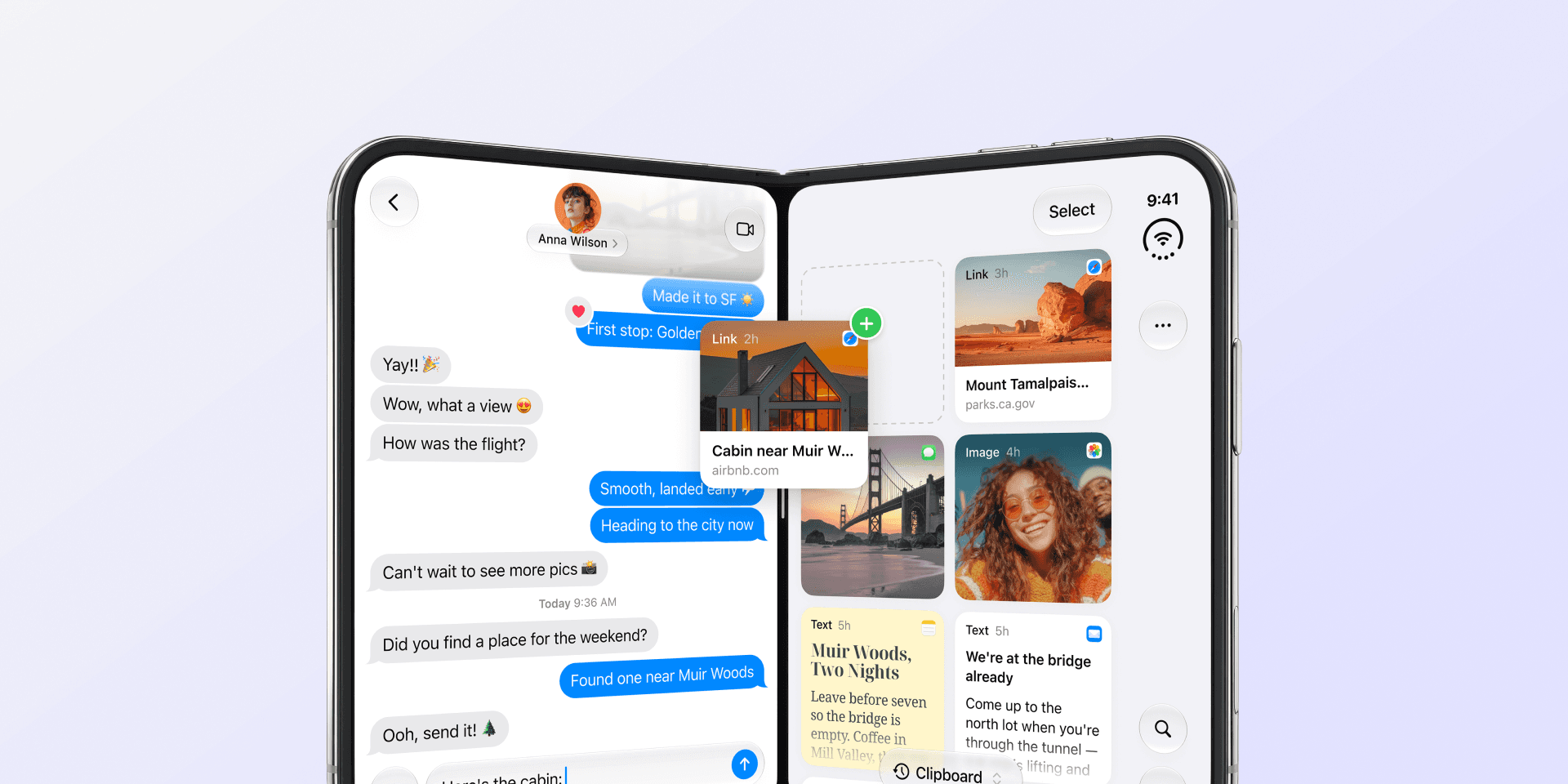
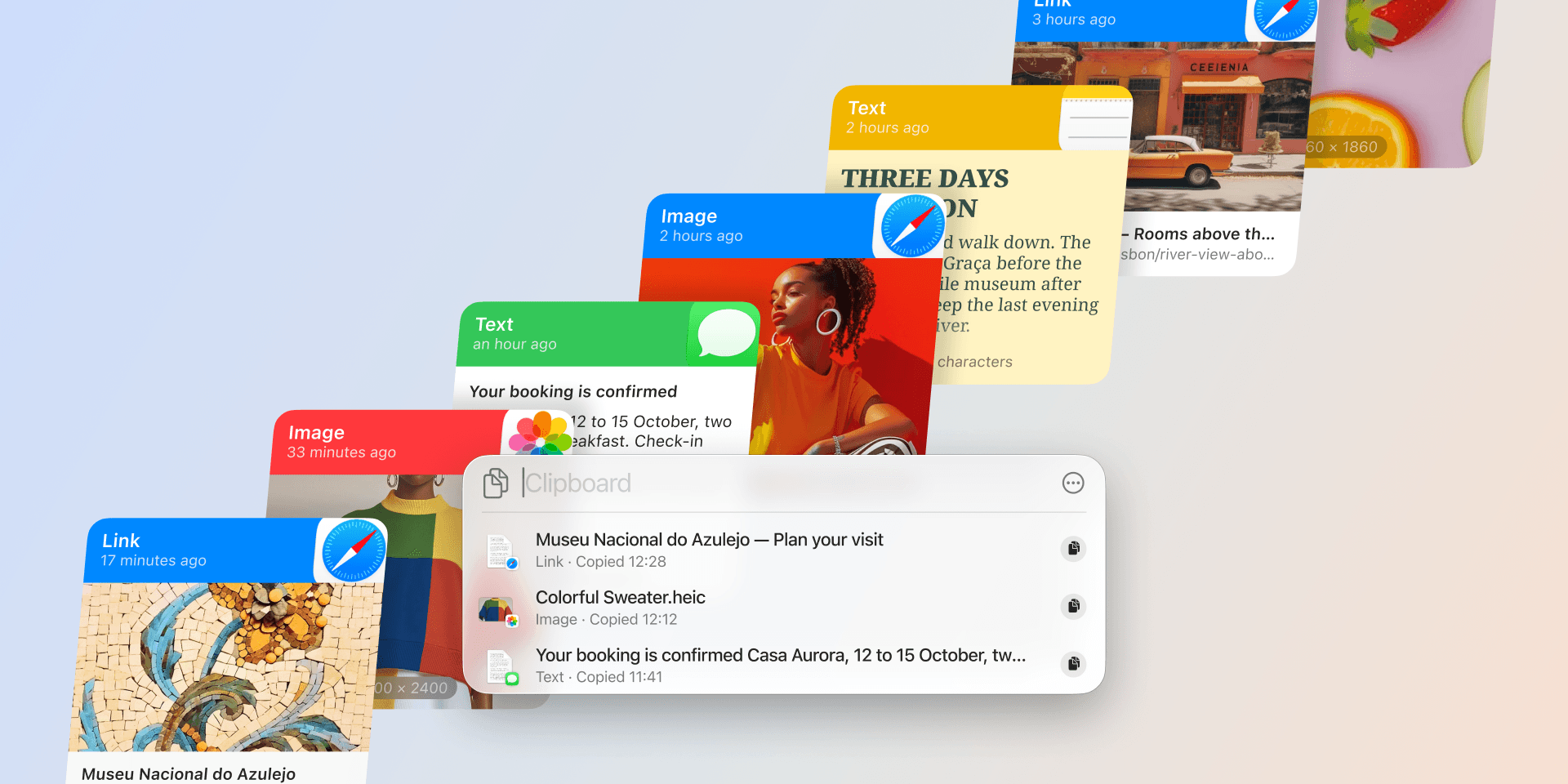
Allow Paste on iPhone: how to stop the pop-up
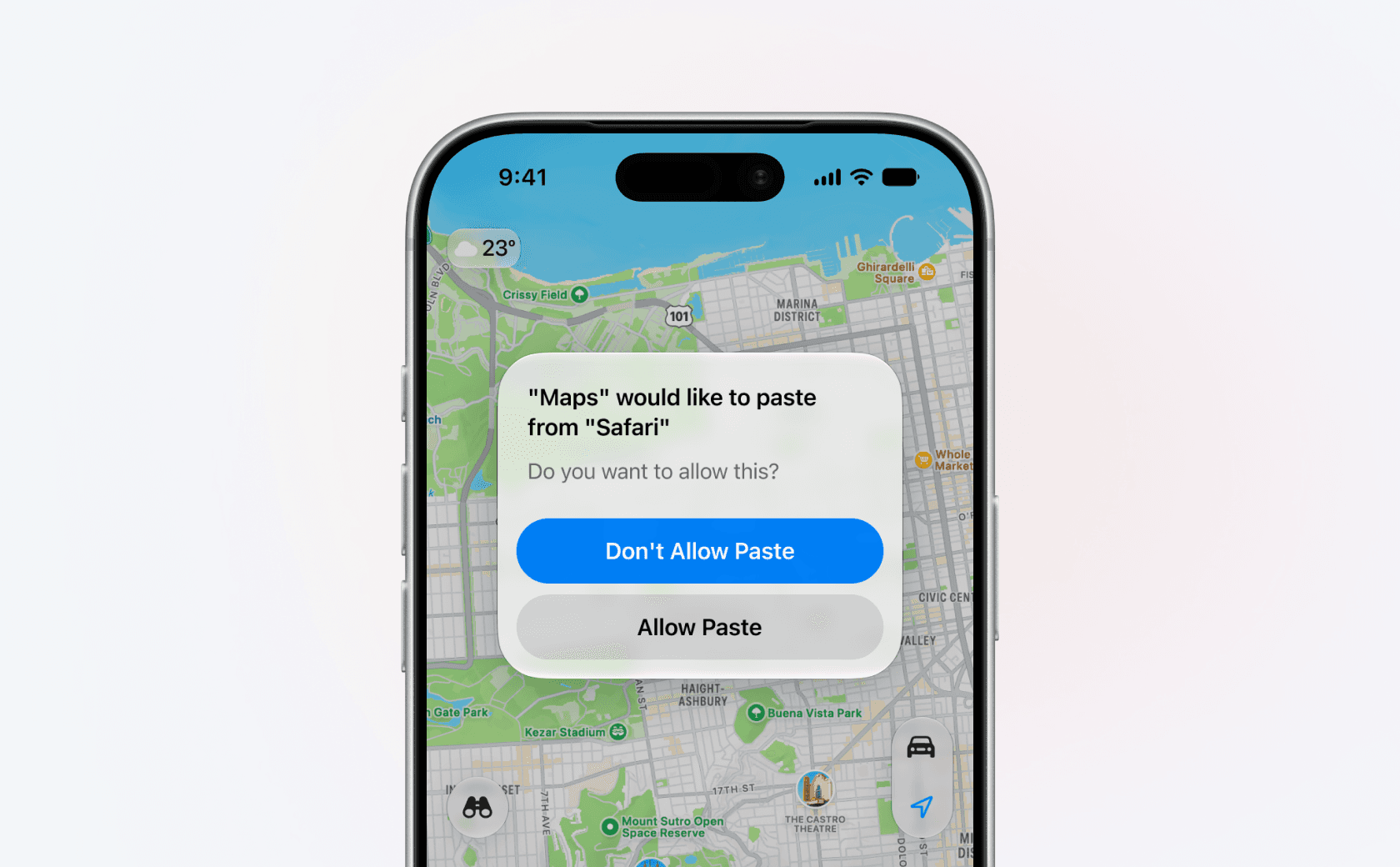
You copy an address in Safari, open Maps, and iOS stops you with a question: "Maps" would like to paste from "Safari". You tap Allow Paste, and a few minutes later it asks again.
Nothing is broken, and you haven't switched anything on by accident. It's a privacy check iOS runs on your clipboard, and you can answer it once per app instead of every time.
One switch, inside each app
The control isn't in a central privacy list. It sits inside the app's own page in Settings, so you answer for one app at a time:
- Open Settings.
- Scroll to the bottom and tap Apps.
- Tap the app that keeps asking.
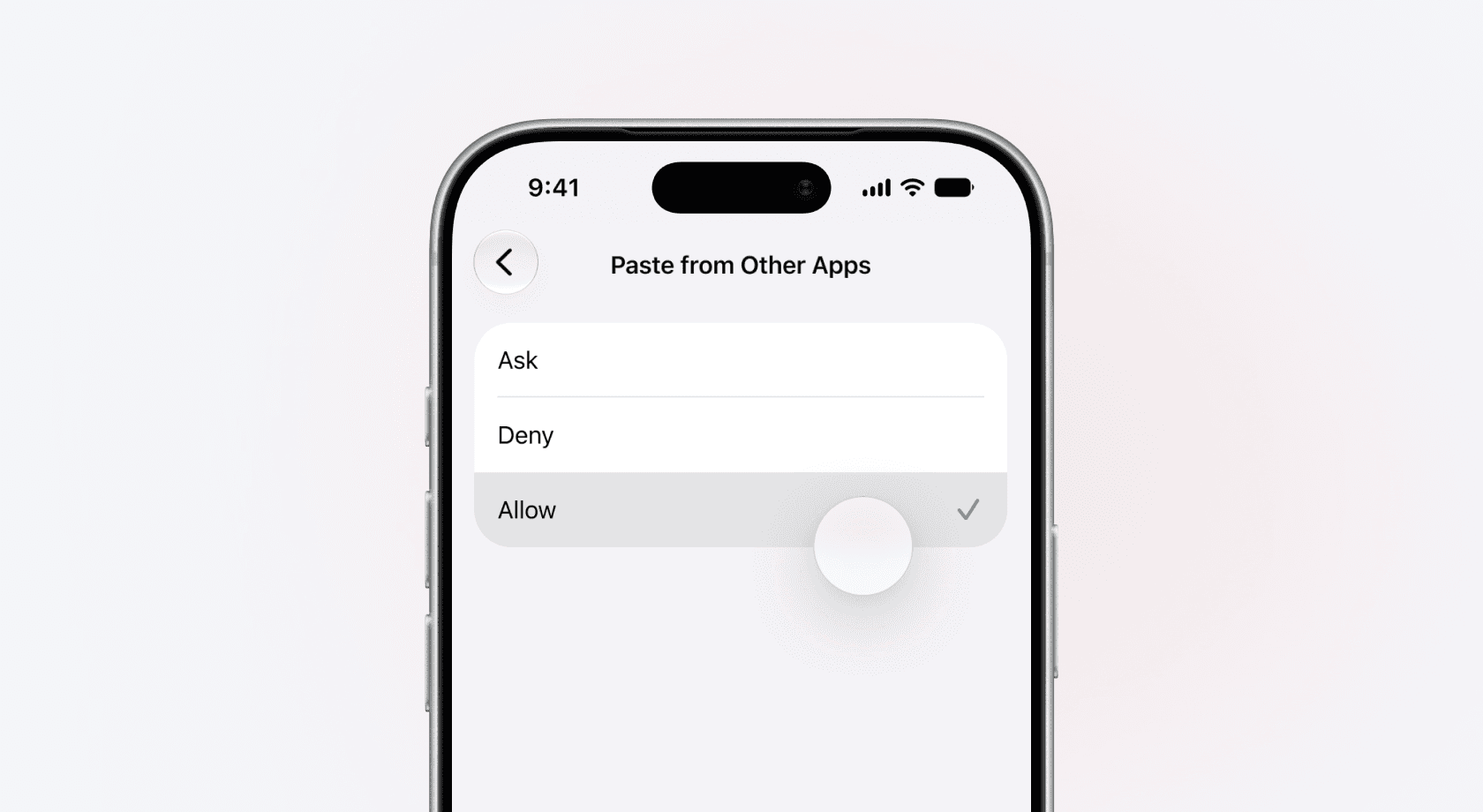
- Tap Paste from Other Apps.
- Pick Allow or Deny.
Which one you pick decides what happens next. Allow lets that app read your clipboard whenever it likes without asking again, which is what you want for an app you paste into all day. Deny ends the pop-up too, by answering no on your behalf every time. That app stops picking things up on its own, though pasting into it yourself still works. Ask is the default, and it's the one producing the prompt.
Worth a thought before you tap Allow, because a lot passes through a clipboard: passwords out of a password manager, one-time codes, card numbers. Allow is a standing pass over all of it, for that app, from then on.
App settings used to sit directly in the main Settings list, which is where older instructions send you. Since iOS 18 they live under Apps at the bottom. If the alphabetical list is slow to scroll, pull down on the Settings home screen and search the app by name.
Paste from Other Apps only appears for apps that have asked for clipboard access at least once. No row means the app has never asked, so there's nothing to change yet. The steps are the same on iPad.
The app in front of you is asking
The wording is what trips people up. "Maps" would like to paste from "Safari" names two apps, and it reads as though Safari is doing something.
It's the other way round. The first name is the app in front of you, the one making the request. The second is only where the thing on your clipboard came from. "Allow paste from Facebook" doesn't mean Facebook is reading anything. It means the app you're using right now wants the text you copied while you were in Facebook.
That second name is also why the alert exists. Apple's developer documentation sets the rule: an app that takes clipboard content which came from a different app "without user intent" triggers the system notice, and iOS works out intent from what you did, such as "tapping a system-provided control or pressing Command-V". Copy and paste within one app and nothing appears, because nothing crossed between apps.
So the prompt is not a virus, an ad, or a sign that an app has been tampered with. It's an app asking for something it can no longer take quietly. iOS 14 started showing a banner after the fact (9to5Mac), iOS 16 turned that notice into a question, and iOS 16.1 added the per-app setting so you could answer once (MacRumors).
The ones that ask every time
Plenty of apps check the clipboard the moment they open, because it lets them be helpful. A browser offers to search a link you just copied, a shopping app watches for a promo code, a maps app spots an address. Every one of those checks is a read you didn't ask for, so every one of them earns a prompt. That's why the same handful of apps ask constantly while the rest never do, and why setting those few is usually the whole fix.
The reverse is just as useful to know. When you do the pasting yourself, nothing appears: tap into the field, choose Paste from the menu, and iOS reads that as your intent. Command-V on an iPad keyboard counts the same way, and so does the paste button iOS provides to apps. A button an app builds itself is the app reaching for the clipboard, so that one can still ask.
Why Paste asks too
Paste is a clipboard manager, so this alert is part of our day as well. When you open Paste on iPhone, it reads what's on the clipboard so it can add that item to your history. That's a read from another app, so iOS asks, exactly as it should. You can settle it once in Paste Settings → Allow Paste from Other Apps, or through Settings the same way as any other app. The full walkthrough is in "Allow Paste" permissions in iOS.
The same rule shapes what a clipboard manager can do on iPhone. iOS doesn't let apps read the clipboard in the background, so nothing can quietly log every copy you make. Paste collects at moments you choose instead: when you open it, when you send something through the share sheet, or when you copy through the Paste Keyboard. On iPad it can capture on its own for as long as it's visible on screen: in a window beside your other app, in Stage Manager, or in Slide Over.
What you get back is the part iOS leaves out. Instead of one item at a time, you get a clipboard history you can scroll and search, pinboards for the snippets you reuse all day, and iCloud sync, so something you copied on your Mac is already waiting on your phone. Get Paste for iPhone and see what a week of copies looks like.