Paste

Updates

Discover the latest features and improvements.

Paste MCP

Paste MCP

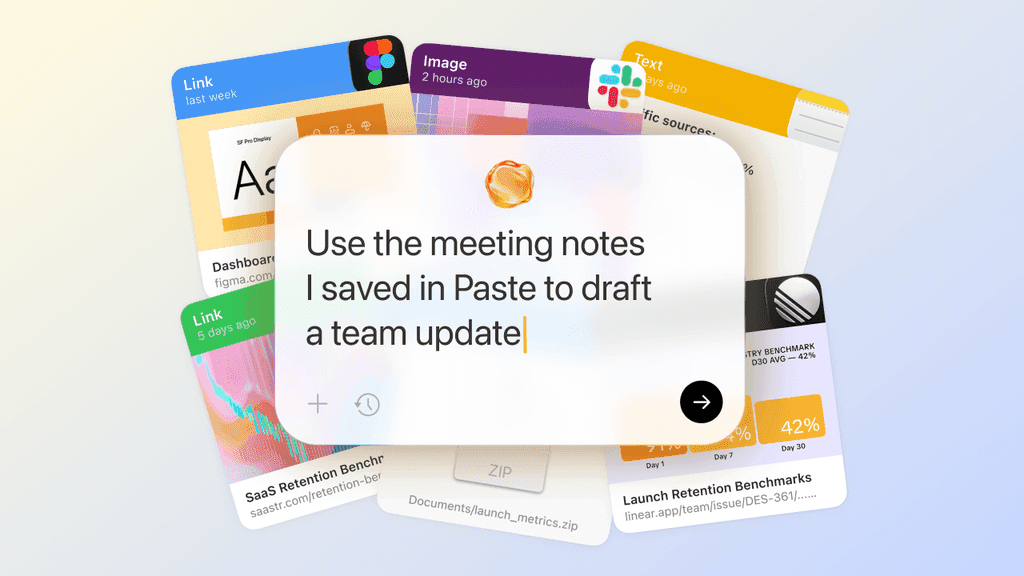
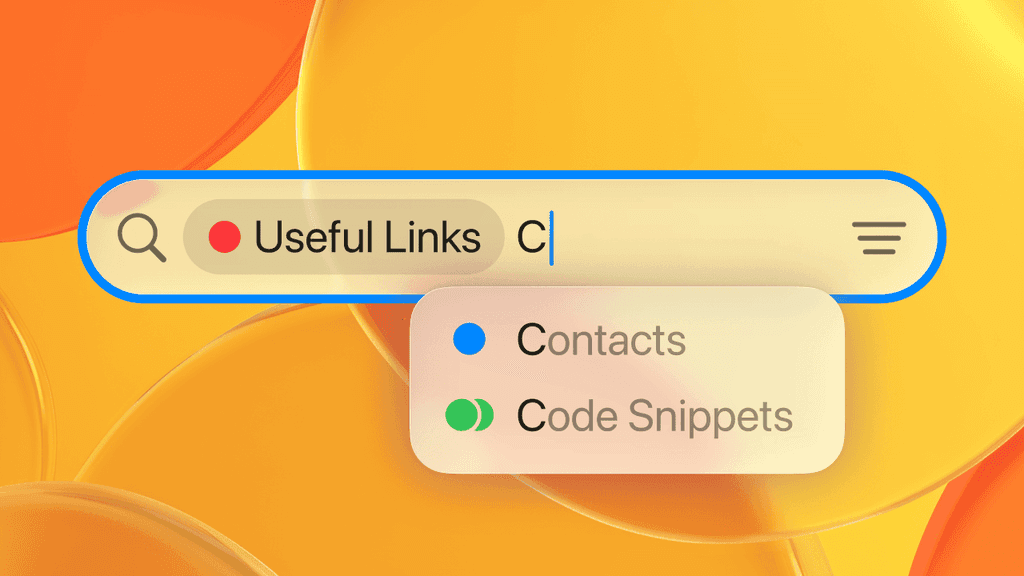
Paste introduces Paste MCP, a new way to connect your clipboard history to Claude, Codex, and other AI tools through a built-in local MCP server.

With Paste MCP, you can ask your AI tool to search for something you copied earlier, use saved context while you work, or organize items in Paste by creating pinboards. Your clipboard history becomes a memory layer your AI tools can use when you need it.

Paste MCP runs locally on your Mac. You decide which tools to connect and can remove access at any time. Your clipboard history stays under your control.
See it in action

Learn more

Jump to History

Jump to History

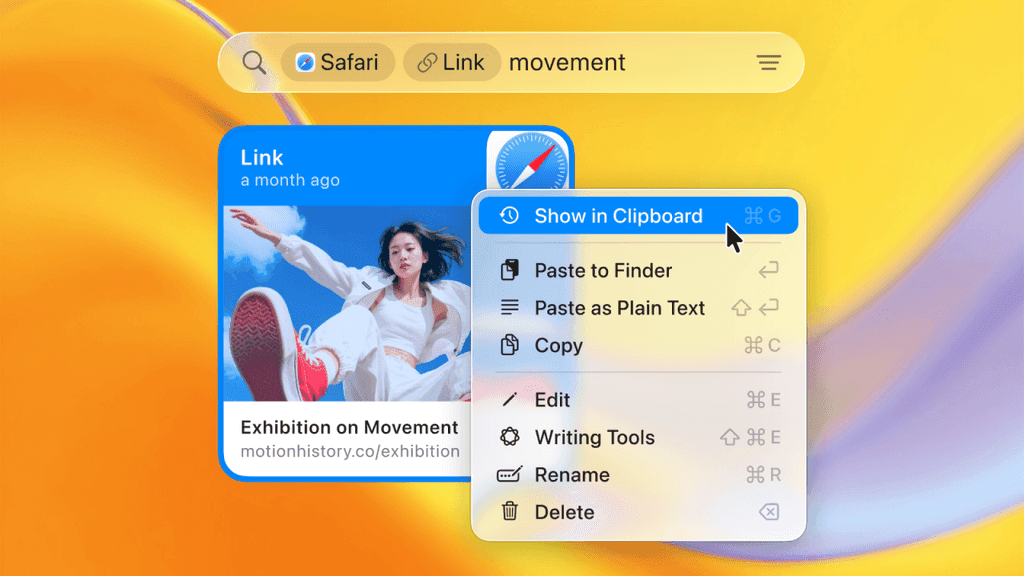
Paste introduces Jump to History, a new way to navigate your clipboard from search. Move from any search result directly to the item's original location in your clipboard history or a pinboard, and see it in the context of everything around it.

See it in action

Read more in Blog

Pinboard Filters

Pinboard Filters

Paste now lets you filter search results by pinboards, so you can quickly find what you need in the right context.

With Pinboard Filters, you can narrow your search to one or multiple pinboards and focus only on what matters. Whether it’s a project, a set of references, or shared content, everything is easier to find.

Combined with Paste’s fast and intelligent search, Pinboard Filters help you go from broad search to exactly what you’re looking for without breaking your flow.

Power Search in Paste

Power Search in Paste

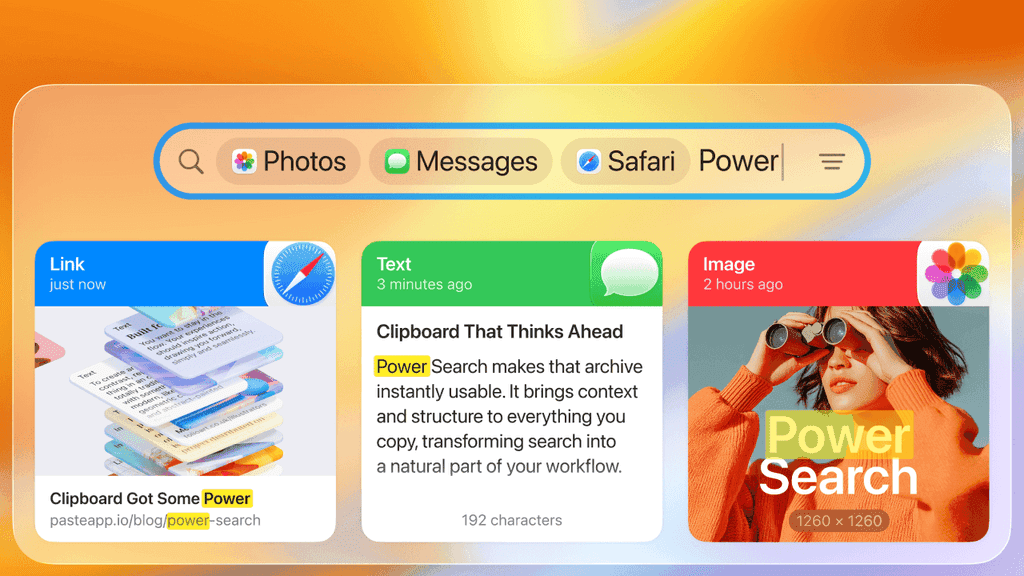
Paste introduces Power Search, a breakthrough that makes your clipboard faster, smarter, and more intuitive than ever.

With smart filters, text recognition, and intelligent suggestions, Paste helps you instantly find anything you’ve ever copied across all your devices. Filter by type, app, or date, or even search text inside screenshots.

Power Search brings speed, precision, and clarity to your clipboard, helping you stay focused on your ideas, not on where you saved them.

See it in action

Read more in Blog

Apple Intelligence in Paste

Apple Intelligence in Paste

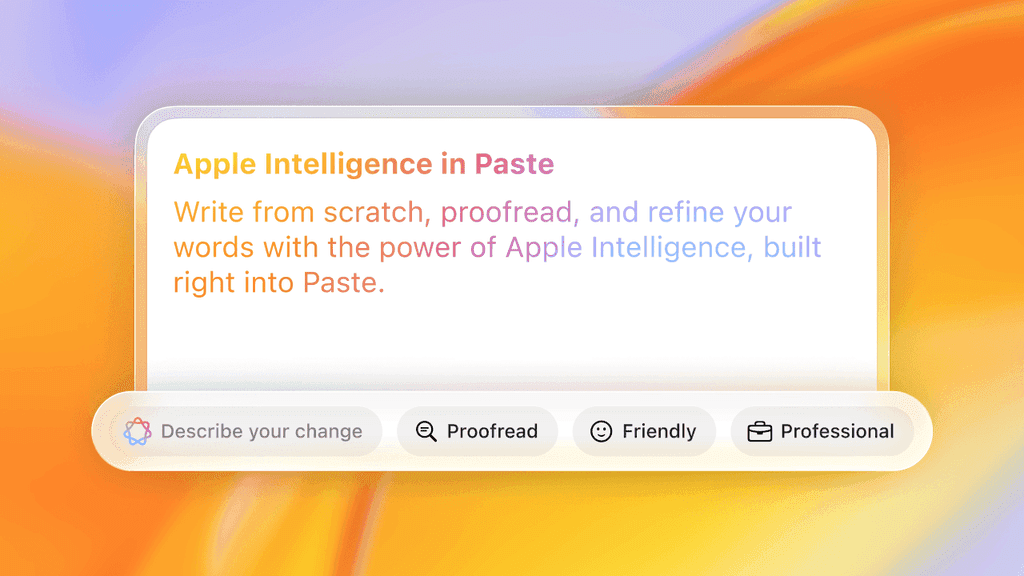
Paste now integrates Apple Intelligence, bringing powerful writing capabilities right into your clipboard. You can write from scratch, proofread, rewrite, and refine your text, all without leaving Paste.

See it in action and read more in our Blog.

Privacy and Screen Sharing Controls

Privacy and Screen Sharing Controls

We’ve expanded Paste’s Privacy settings to give you more control over what’s visible when you share your screen.

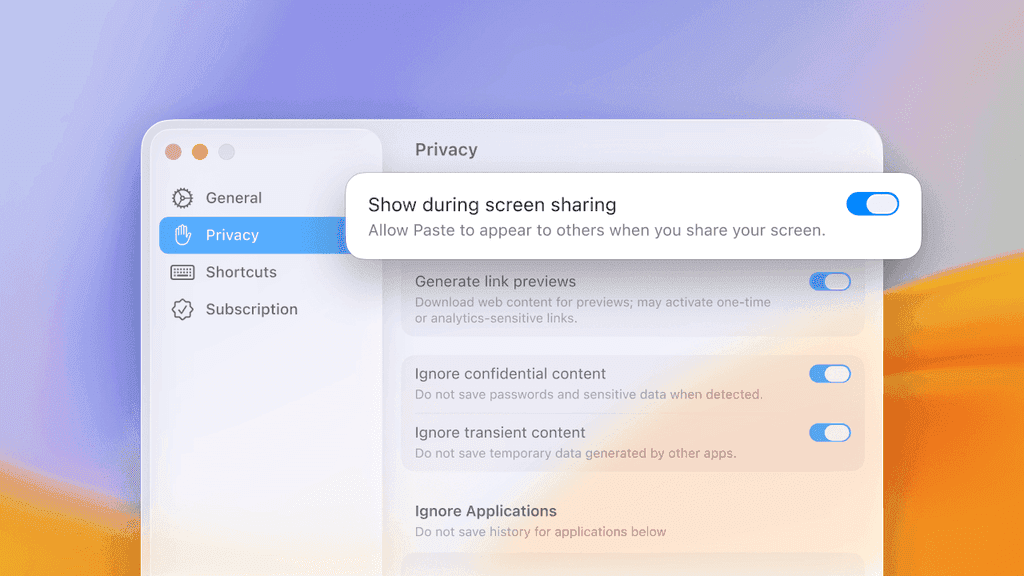
The new “Show during screen sharing” option lets you decide whether Paste appears to others while presenting, recording, or collaborating online. Turn it off to keep your clipboard private and prevent sensitive snippets from showing up during calls, demos, or even in screenshots.

You’ll find the new controls in Preferences → Privacy, alongside an option for ignoring confidential content.

Paste 6 in Liquid Glass

Paste 6 in Liquid Glass

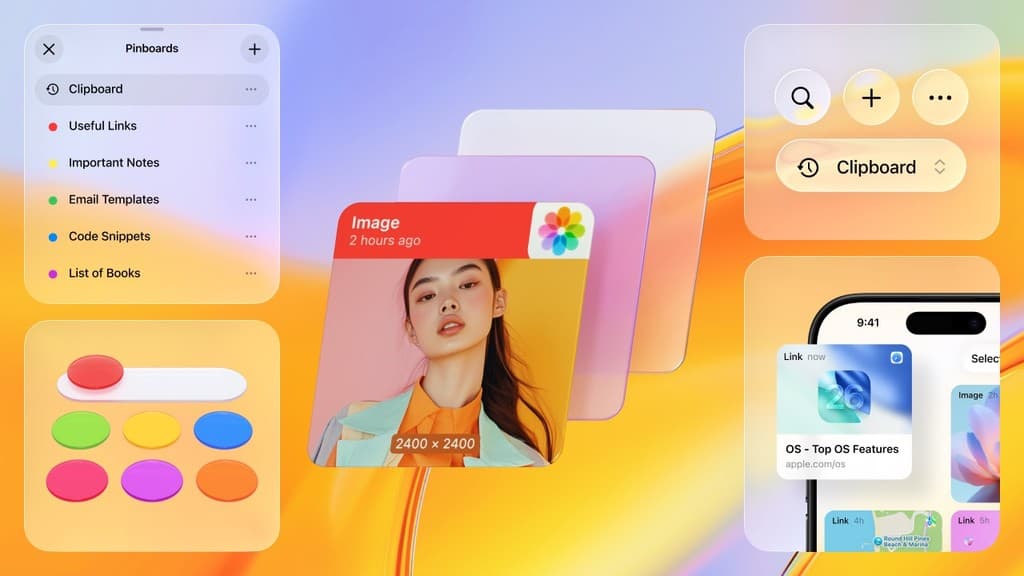
Paste marks a major design milestone, reimagined for the OS 26 family. Every item, pinboard, and interaction has been rebuilt with the latest technologies and Liquid Glass design. The result feels perfectly native across all Apple devices — from Mac to iPhone to iPad.

Discover Paste 6 and experience your clipboard in Liquid Glass.

Read more in our Blog

Paste for Teams

Paste for Teams

Introducing Paste for Teams — with unified billing and collaboration features. Whether you're a small group streamlining your workflow or a growing company keeping pace at scale, Paste for Teams makes it easy to bring focus and productivity to your workspace.

Learn more about Paste for Teams.

10 Years of Paste

10 Years of Paste

What started as a simple tool to remember what you copied has grown into a daily companion for thousands of makers, designers, writers, and teams across Mac and iOS. Whether you’re organizing ideas, reusing snippets, or jumping between devices, Paste is built to keep your flow uninterrupted.

Thanks for being part of this journey — here’s to what’s next.

Shared Pinboards and Collaboration

Shared Pinboards and Collaboration

Paste takes clipboard management to a whole new level with Shared Pinboards, making it the first clipboard built for collaboration. With a completely rebuilt sync engine and faster performance on every device, Paste is reimagined for the way you work today — whether on your own or as part of a team. Gather ideas, save AI prompts, and organize project materials — all in one shared space. Easily invite others to collaborate with you on both macOS and iOS devices.

Learn more about the Paste 5.0 release and discover how to start collaborating with Shared Pinboards in no time.

Enhanced Preview and Editing Tools

Enhanced Preview and Editing Tools

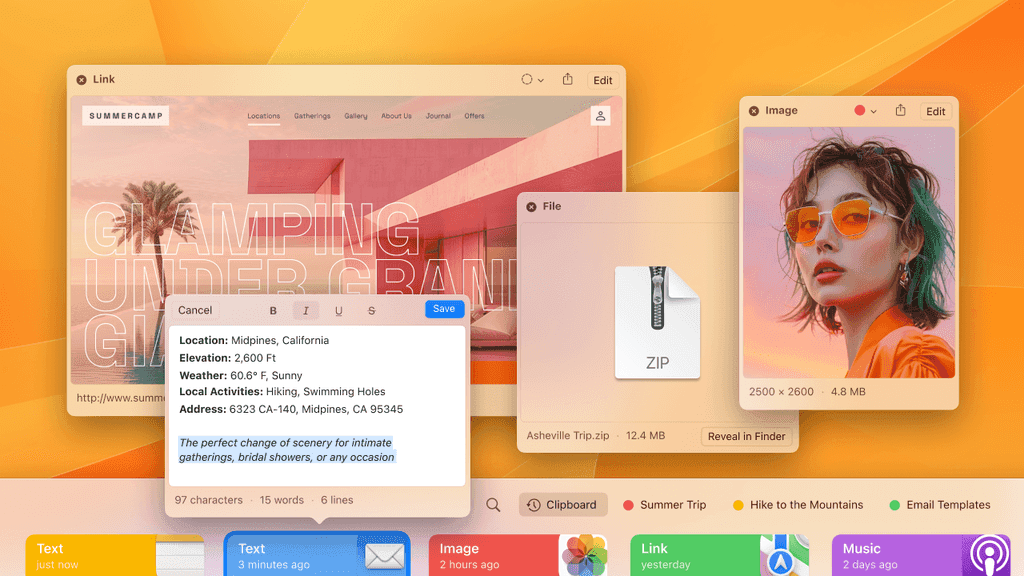
Enjoy the new rich preview and editing for all content types using the Space shortcut or Preview item from the context menu. Create text or link items with Cmd + N or via Main Menu -> New Text Item, and format them as needed. Our built-in web browser now allows you to edit links, providing a seamless web page preview experience directly in Paste. Effortlessly extract text from images with our text recognition feature, and rotate images with the new image editing tool. The built-in color picker lets you adjust copied colors with ease. Plus, you can rename, pin, and share items directly from Preview.

We've also added a document scanning feature that lets you use your iPhone to scan documents directly into Paste. This means no more jumping between apps—everything you need is right at your fingertips.

Drag-and-Drop or Paste Images as Files

Drag-and-Drop or Paste Images as Files

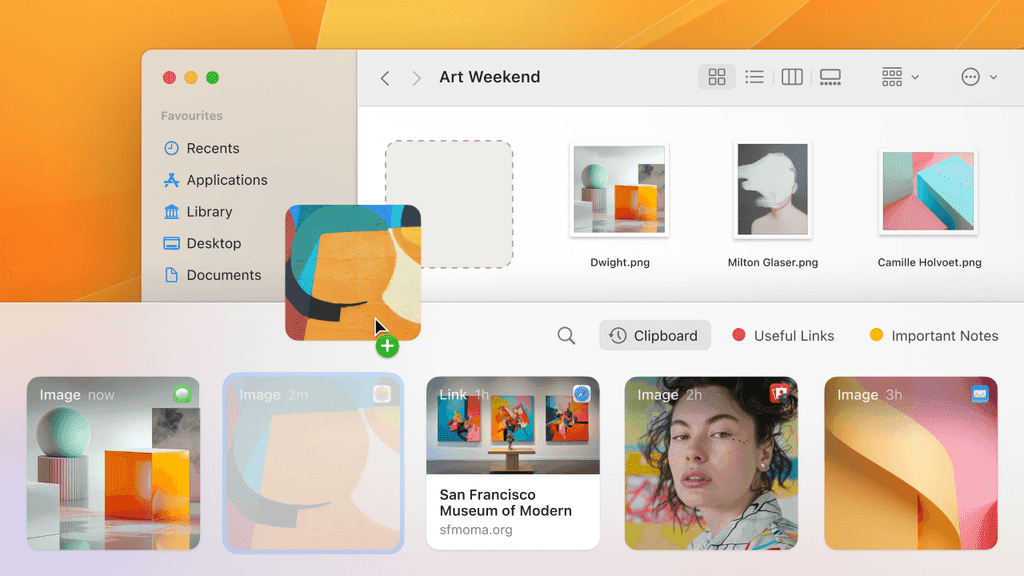
We're excited to bring the next most requested feature from our feedback board: the ability to drag-and-drop or paste images as files. This means you can now paste images into any app or upload them to a webpage directly from Paste.

In addition, this update contains several other improvements, including the option to choose which app opens copied files, setting the same key modifier for QuickPaste and PlainText Mode, support for Control+Click on the Paste status item, and more enhancements to streamline your experience.

Advanced Pause Paste: Control Your Clipboard

Advanced Pause Paste: Control Your Clipboard

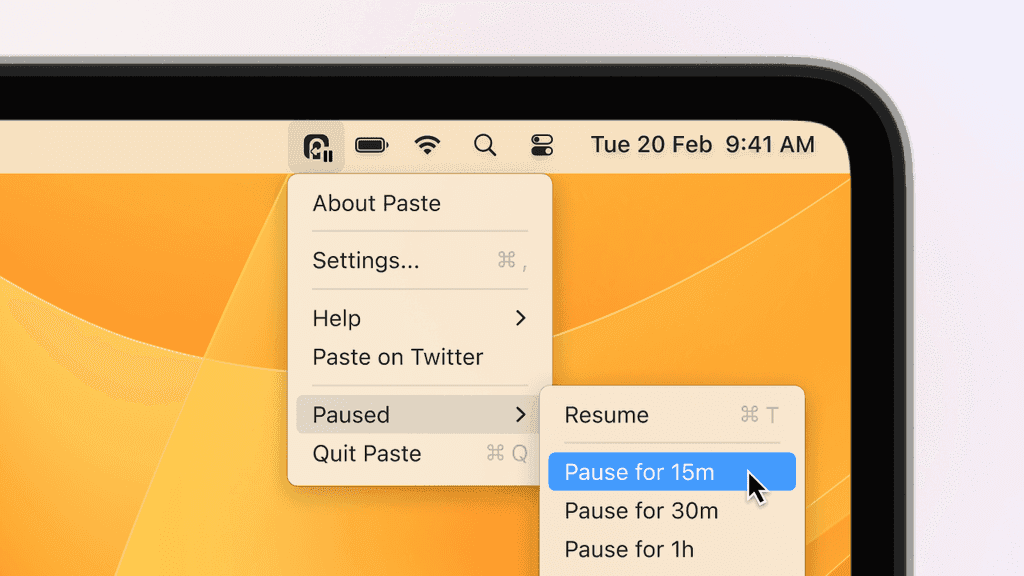
Paste’s latest update transforms your clipboard management on Mac with the debut of Advanced Pause Paste. This feature gives exceptional control over your clipboard history, allowing you to instantly pause and resume collecting copied items with a simple shortcut or menu action. Tailored for precision and simplicity, it guarantees your clipboard captures only what you need, exactly when you need it, enhancing your productivity.

Title Replay. Old Charm, New Form

Title Replay. Old Charm, New Form

The newly-tailored item titles enable multi-select for bulk actions on iOS. Additionally, we’ve rebuilt our Settings window on Mac from scratch for more intuitive navigation.

All-New Paste for iOS

All-New Paste for iOS

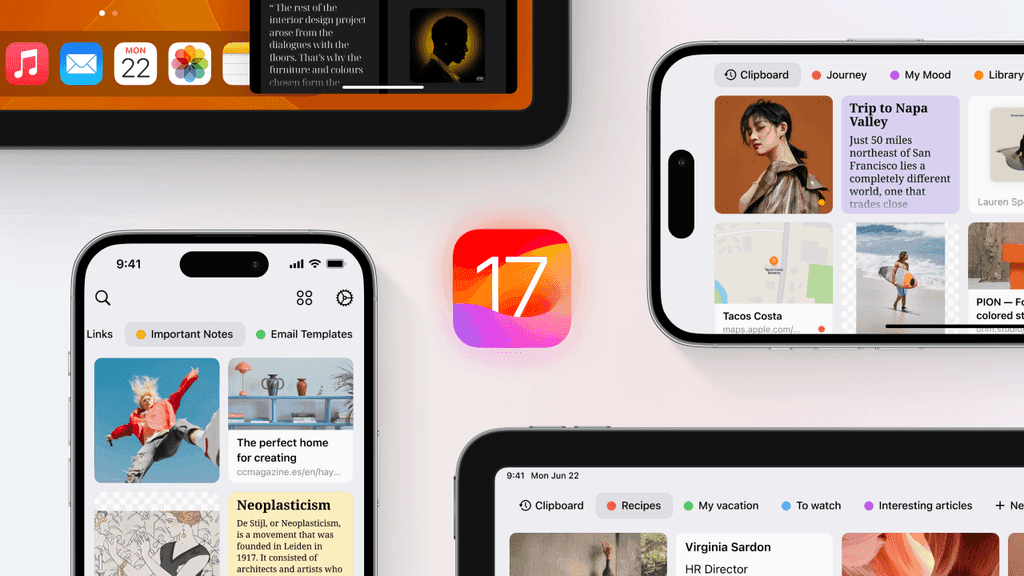
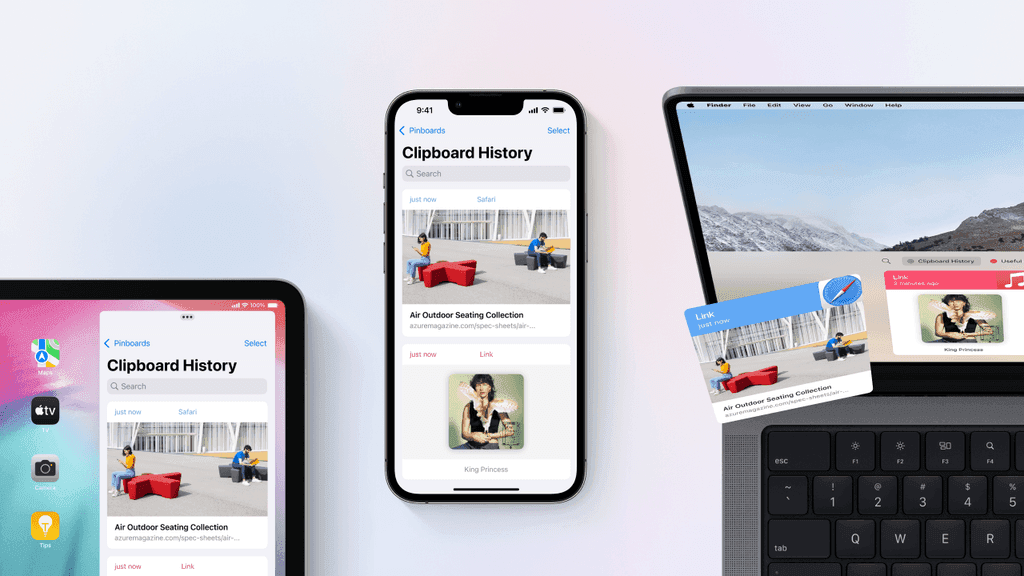
With All-New Paste for iOS, we’re bridging the gap between macOS and iOS apps, unifying and aligning the user experience across all platforms. The app has been rebuilt from the ground up for enhanced performance and efficiency.

Read more in our Blog

All-New Paste for Mac

All-New Paste for Mac

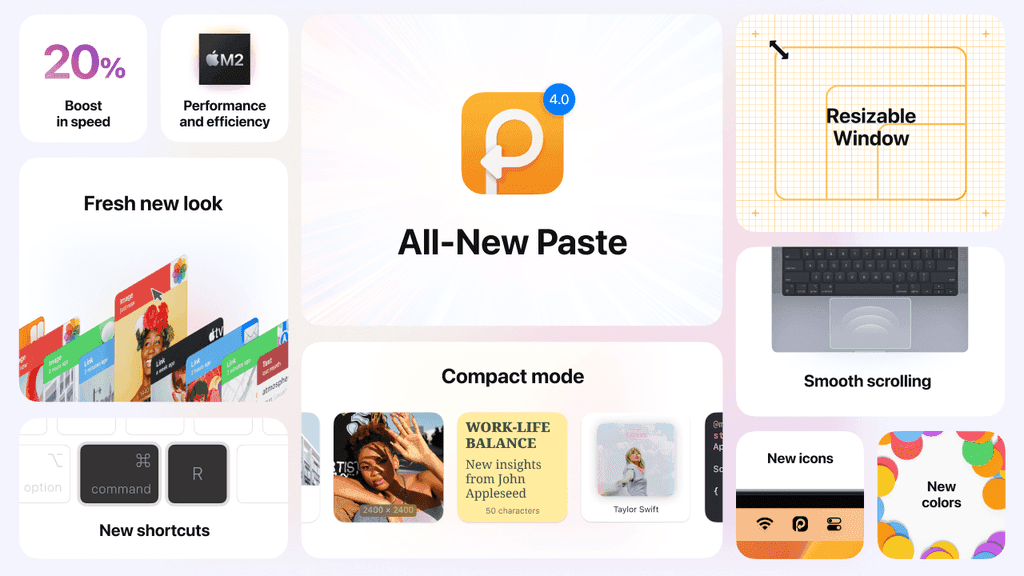
Our most advanced, intuitive, and user-centric update yet. Fresh new look & feel, resizable window, compact mode, new shortcuts and a major performance boost to take your productivity to an absolutely new level.

Read more in our Blog

Paste Keyboard

Paste Keyboard

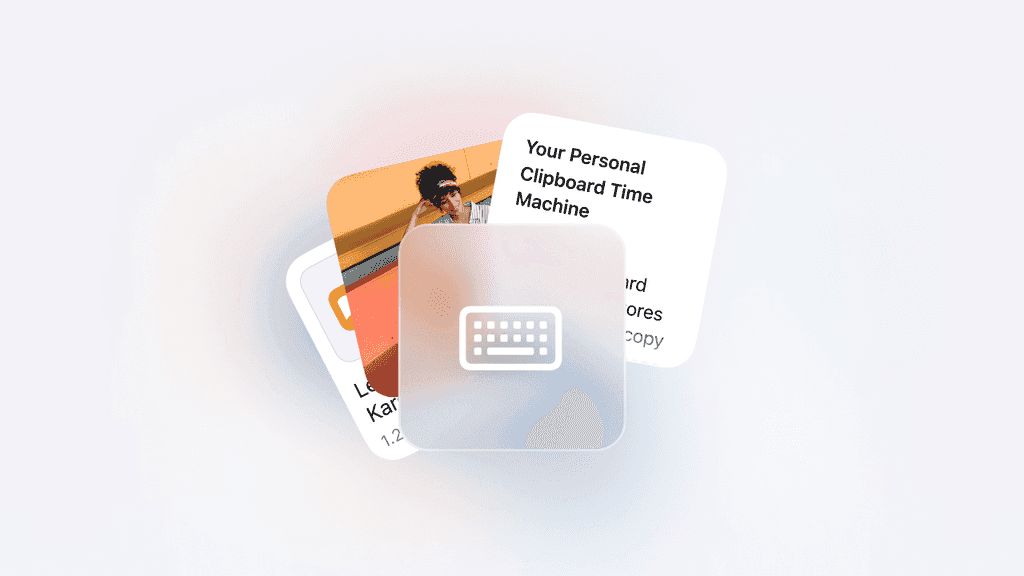
Paste Keyboard for iPhone and iPad supercharges the default iOS keyboard to give you instant access to everything you’ve copied on any of your devices, no matter where you are. With seamless integration into the iOS environment comes the smooth, effortless flow of Paste’s desktop experience to your mobile devices.

There’s never been a more convenient way to copy and paste on iPhone and iPad.

Read more in our Blog

Shortcuts for macOS Monterey

Shortcuts for macOS Monterey

With macOS Monterey Apple brought the Shortcuts app to Mac and we’re so excited to make Paste’s shortcuts available on all platforms too!

Meet Paste 3.1 for Mac, your new superpower to speed everything up.

Read more in our Blog

Native support for Apple Silicon

Native support for Apple Silicon

A massive performance boost and lots of under-the-hood optimizations to take the full advantage of the latest Apple M1 chips.

New Paste for iPhone and iPad

New Paste for iPhone and iPad

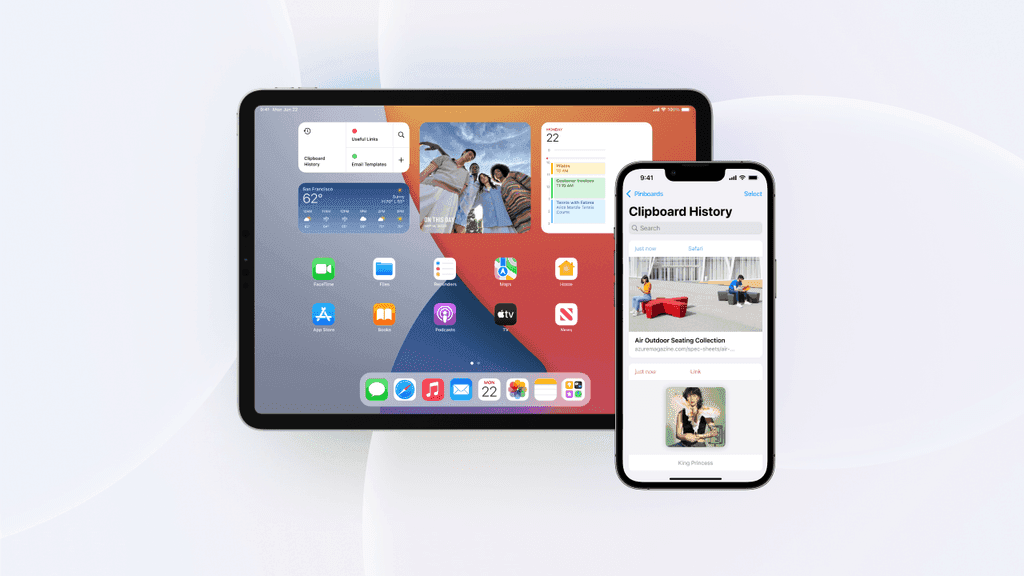
This update is released as a new app on the AppStore, bundled with Paste for Mac and packed with great new features:

Enhanced search engine and Universal Search support

New Action and Share extensions

A brand new Home Screen Widget

The Family plan can now be activate on iOS devices

Read more in our Blog

Paste for the whole family

Paste for the whole family

Introducing Family Sharing support and a new family subscription that you can share among up to five family members across all their Macs, iPhones, and iPads.

Let your favorite people get more productive and organized with Paste!

Read more in our Blog

macOS Big Sur support

macOS Big Sur support

The major update that comes with support for the power and beauty of the new macOS Big Sur.

Brand new search engine

Native support for Direct Paste and Paste Stack

Polished UI and the new icon!

Read more in our Blog

Paste Stack

Paste Stack

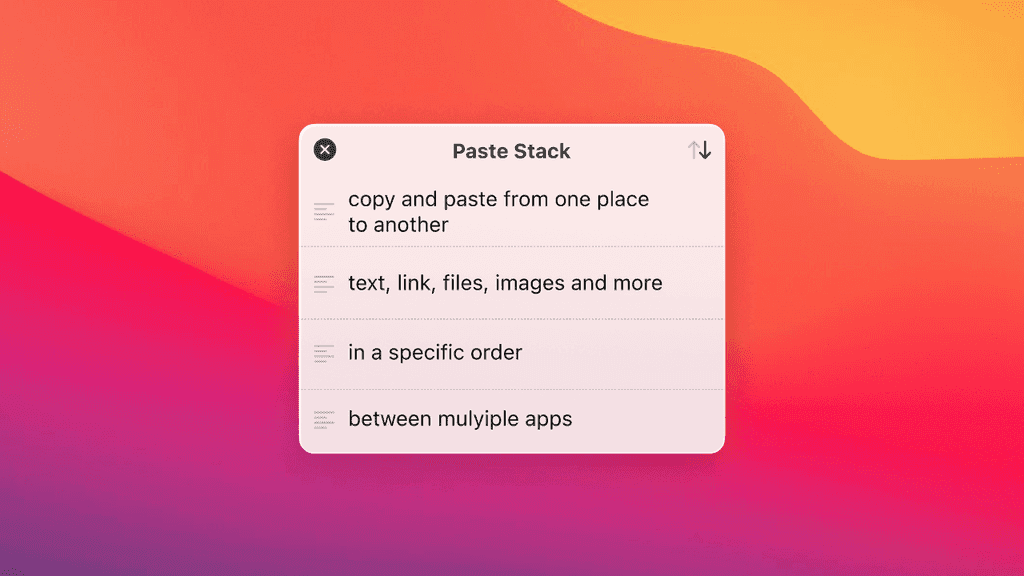
Paste Stack comes in handy when you need to replicate a set of items in a specific order. It lets you copy and paste text, links, images, and any other items between multiple apps, one after another.

Read more in our Blog

Siri Shortcuts

Siri Shortcuts

“Hey Siri, get the latest link I copied … and share it on Twitter”

Use voice commands to recall data from clipboard history as well as create new items and pin them to pinboards.

Read more in our Blog

Clipboard editing

Clipboard editing

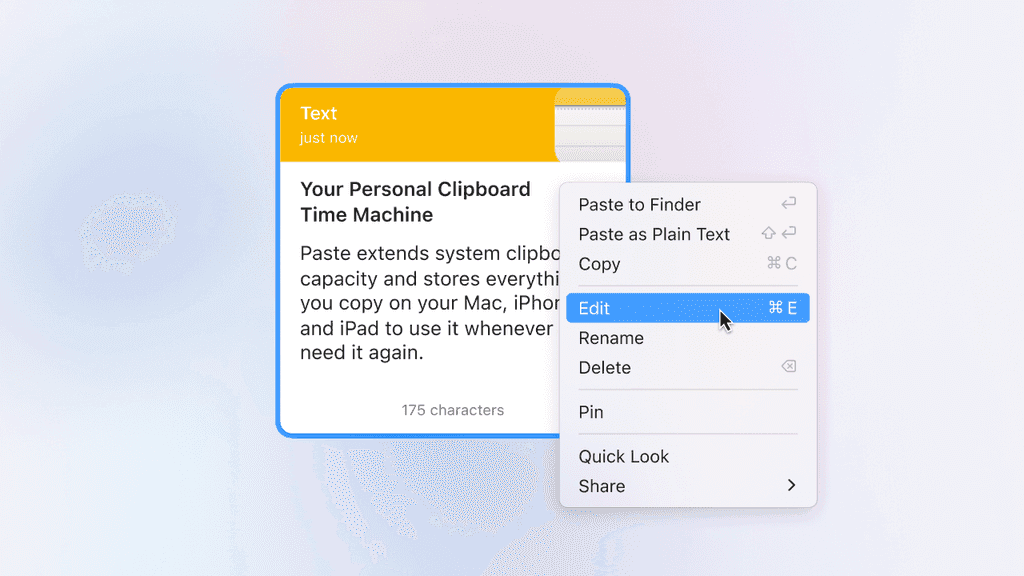
Edit copied items and pinboards right in Paste, rename items to quickly find later — all changes will immediately be synced across all your devices.

Read more in our Blog

macOS Catalina Support

macOS Catalina Support

After a few months of intensive work, we’re thrilled to launch Paste 2.5, a major under-the-hood update for macOS Catalina together with tons of internal improvements. Paste 2.5 also brings two improvements you asked for:

Improved navigation for a mouse or touchpad: a single click on the status item in the main menu bar now activates Paste while a right-click brings the good-old menu

Improved navigation for the keyboard shortcuts: a sequential Shift + Cmd + V (or your own activation shortcut) from now on will navigate you through your pinboards instead of hiding Paste

Other quick updates:

Migrating to Swift 5.1

Better dark mode support

Direct Paste on Setapp is now available out of the box.

Read more in our Blog

Paste gets notarized

Paste gets notarized

Starting today every new release of Paste will be submitted to Apple to be notarized in order to make sure that it meets the latest security requirements.

Read more in our Blog

Paste for iOS

Paste for iOS

We are excited to announce Paste for iOS. Paste for iOS is designed to be complimentary to Paste for Mac so that you can copy, paste and view your clipboard history and Pinboards in sync on all your devices.

Read more in our Blog

macOS High Sierra Support

macOS High Sierra Support

We’re excited to introduce the new Paste features, improvements and macOS High Sierra compatibility.

Read more in our Blog